Client Portal: Transparency That Builds Loyalty
Discover how a client portal integrated in your CRM improves transparency, reduces support requests and builds lasting client loyalty.

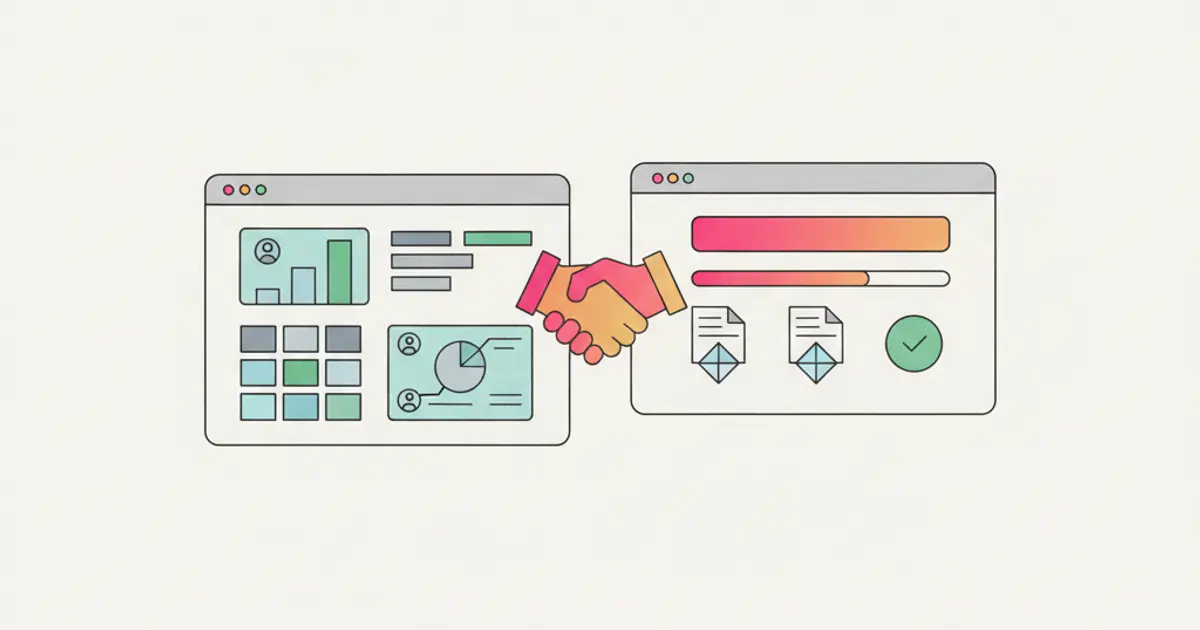
"How is the project going?" If this question reaches you via email, WhatsApp, and phone at least three times a week for every client, you have a transparency problem. Not because you are hiding anything, but because your client has no way of knowing how things are progressing without asking you. And every time they ask, someone on your team has to stop what they are doing, check the status, prepare a response, and send it. Multiply that by ten, twenty, or fifty clients.
The result is a vicious cycle: the client feels neglected because they always have to ask, your team feels overwhelmed by update requests, and nobody is happy. Trust erodes not because of poor work quality, but because of poor visibility.
A client portal changes this dynamic completely. The client accesses their dedicated space, sees project status, downloads documents, uploads the files you need. All of this without bothering anyone, twenty-four hours a day. It is not just a tool — it is a message that says "we care about transparency." Let us see how it works and why it makes a real difference.
Why Give Clients Access: The Reasoning
In a market where every provider promises great results, the ones who actually show their work stand apart. Transparency is no longer a nice-to-have; it is a competitive advantage that directly impacts retention and referrals. When a client can log in at any time and see exactly where their project stands, the anxiety of not knowing disappears — and with it, the constant stream of update requests that drain your team's productivity.
The numbers tell a compelling story. Teams that implement client portals report up to a 60 percent reduction in "how is it going?" emails and calls. That is not just saved time for your support staff — it is saved time for everyone, because those interruptions break the focus of whoever is doing the actual project work. When your developer or designer stops to answer a status question, the real cost is not the five minutes it takes to reply; it is the twenty minutes it takes to get back into deep work.
Beyond the efficiency gains, there is a deeper psychological effect at play. A client who can see progress being made feels involved and respected. They are not left wondering whether their project has been forgotten on someone's desk. They see tasks being completed, milestones being reached, and documents being updated. This visibility transforms the client relationship from one based on periodic check-ins to one based on continuous trust. The client who sees your work in real time is a client who renews, refers others, and forgives the occasional hiccup because they understand the full picture.
What the Client Sees in the Portal
A well-designed portal strikes the right balance between comprehensive information and clean simplicity. The client should find everything they need without being overwhelmed by your team's internal complexity.
Projects and Progress
The heart of the portal is the project view. Your client sees a list of their active projects, each with a clear status indicator and completion percentage. Milestones reached and upcoming deadlines are visible at a glance, so the client knows not only where things are now but where they are heading. Tasks that you choose to share — completed and in progress — appear in a visual timeline that tells the project story in a way that feels intuitive rather than technical. The key word here is "choose": you decide which tasks are client-facing and which remain internal. The client sees the polished narrative, not the backstage chaos, which is how it should be. For teams that want to deepen their project management approach, the portal becomes a natural extension of your internal process.
Shared Documents
Every project generates documents — briefs, proposals, deliverables, contracts, feedback files. Without a portal, these end up scattered across email threads, shared drives, and chat messages, and the client inevitably asks for the same document twice because they cannot find where you sent it last time.
The portal gives every document a single, permanent home. Versioning ensures the client always sees the latest version, eliminating the confusion of "final_v3_REAL_FINAL.pdf." And critically, the upload works both ways: the client can submit briefs, assets, and feedback directly through the portal instead of sending email attachments that get lost in overflowing inboxes. Everything is organized by folder and category, searchable, and always accessible.
Invoices and Payments
Financial transparency matters as much as project transparency. The portal displays all issued invoices with their status — paid, pending, or overdue — along with a complete payment history. Clients can download PDF copies of any invoice directly, which eliminates another category of routine requests that your administrative team currently handles manually. If your invoicing is connected to a system like Fatture in Cloud, the data flows through automatically without anyone re-entering information.
Communication
The portal is not a one-way window. Clients can leave comments on specific tasks and projects, creating contextual conversations tied to the work being discussed rather than generic email threads where context is lost. When something new is posted or a milestone is reached, the client receives a notification, keeping them engaged without requiring them to check the portal manually.
Portal Configuration: What to Share and What Not To
The power of a good portal lies in its granular permissions. You do not have to show everything to everyone. Project by project, you choose what is visible: some clients might see full task breakdowns while others only see milestone summaries. You can enable or disable entire sections — documents, tasks, invoices, communication — based on each client's needs and your internal policies.
Custom branding transforms the portal from a generic tool into an extension of your business identity. Your company logo, your colors, your domain — the client feels like they are interacting with a professional system built just for them. Secure access is handled through dedicated credentials for each client contact, and for larger organizations, you can set up multi-contact access where different people from the same client company have different permission levels. The marketing director sees campaign reports; the finance department sees invoices; the project sponsor sees everything.
For teams that manage roles and permissions carefully within their CRM, the portal extends that same philosophy outward to client-facing access.
Concrete Benefits: Numbers and Impact
The measurable impact of a client portal extends across every dimension of your business operations. The 60 percent reduction in status update requests is the most immediately noticeable benefit, but it is only the beginning.
The hours your team reclaims from answering routine questions translate directly into productive capacity. If each team member saves thirty minutes a day on client communications, that is over two hours a week per person — time that goes back into billable work or strategic thinking. For a team of ten, that is twenty extra hours per week of productive capacity, reclaimed without hiring anyone new.
Client satisfaction scores consistently improve when portals are introduced, because the fundamental frustration of "not knowing what is happening" disappears. Higher satisfaction leads to higher retention rates, which is the most valuable metric for any service business. Acquiring a new client costs five to seven times more than retaining an existing one, so anything that strengthens retention has an outsized impact on profitability.
The portal also accelerates onboarding for new clients. Instead of lengthy orientation calls explaining your process, the new client logs in, sees the structure, understands the workflow, and starts interacting. The portal teaches your process by making it visible, which is far more effective than explaining it in a meeting that the client will half-remember.
Perhaps most importantly, offering a dedicated client portal is a competitive differentiator. When a prospect is choosing between you and another provider, the fact that you offer real-time transparency through a branded portal signals a level of professionalism and organization that many businesses simply cannot match.
Use Cases by Industry
The beauty of a configurable portal is that it adapts to virtually any business model. Marketing and communication agencies use it to show campaign progress, share performance reports, and receive briefs and creative assets from clients without the back-and-forth of email attachments. The portal is only the visible layer: what makes it work is client management for a marketing agency that keeps the commercial relationship, the projects and the invoices on the same record, so the status the client reads is the status the team is working on.
Service and consulting companies track project milestones, share deliverables, and collect feedback in context. The client sees the timeline of a consulting engagement, downloads the report when it is ready, and provides comments directly on the document rather than sending a separate email that the project manager then has to cross-reference.
E-commerce and wholesale businesses use the portal to give clients visibility into order history, delivery status, and complete invoicing records. For businesses managing warehouses and WooCommerce integrations, the portal becomes the client's window into their entire commercial relationship.
Best Practices for a Successful Portal Launch
The most common mistake when launching a client portal is trying to do too much at once. Start simple: enable projects and documents first, then add invoices, then communication features. Each addition should be driven by a specific client need that you have identified, not by a desire to activate every available feature.
Invest five minutes in walking each client through the portal the first time. A quick video call or screen share showing them where to find their projects, how to upload files, and where to see invoices dramatically increases adoption. Most clients who never use a portal did not ignore it deliberately — they just were not sure where to start.
Set clear expectations about what is visible and what remains internal. Clients appreciate transparency, but they also appreciate honesty about the boundaries. "You can see project milestones and shared deliverables; the internal task breakdown stays with our team" is a perfectly reasonable and professional position.
Finally, measure the results. Track the reduction in support requests before and after the portal launch. Survey clients about their experience. Monitor adoption rates and identify clients who are not using the portal so you can offer additional guidance. The data you collect during the first three months will tell you exactly which features to expand and which to refine — turning your first thirty days with a CRM into the foundation for long-term client success.
Share this article
Written by
Luca Bosso
Founder of Flusia
Related articles

How to Manage Online Bookings and Appointments
How to let clients book appointments from a public page: appointment types, real availability, calendar sync, automatic reminders and no double bookings.
How to Manage CRM User Permissions: Best Practices
How to set up CRM roles and user permissions step by step: prerequisites, a role matrix, external collaborators, best practices and the mistakes to avoid.
Project Management Guide: Gantt, Kanban and Task Management
A practical guide to managing projects with Gantt charts, Kanban boards and task tracking inside your CRM.