How to Manage Warehouse and Inventory in Your CRM
A practical guide to CRM warehouse management: turn on the module, import products from WooCommerce or CSV, set stock thresholds and pick orders.

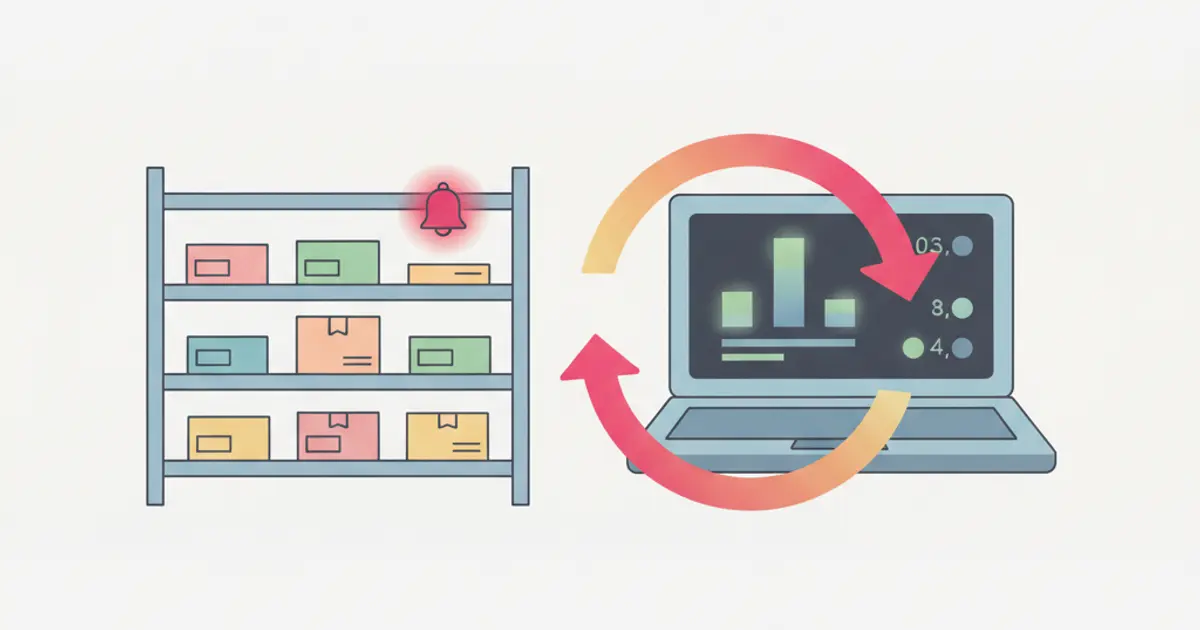
To manage warehouse and inventory in your CRM you need three things: turn on the warehouse module, bring in your product catalogue (from WooCommerce, from a CSV file, or by hand) and set a minimum stock threshold on every product you actually sell. From then on every confirmed order reduces stock automatically and you get an alert when a product drops below its threshold. Storage zones and order picking come later.
If your stock levels currently live in a spreadsheet updated from memory, you already know how this ends: you sell something you do not have. By the end of this guide you will have an inventory that updates itself on every sale, and you will know exactly where to look when the numbers stop adding up.
What you need before you start
Before you open the CRM, get these ready:
- An account with administrator permissions. Turning on the warehouse changes organisation-level settings, so an operator profile is not enough. If you have not assigned team profiles yet, start with roles and permissions.
- A product list with at least name, internal code (SKU) and price. Quantities can come later.
- Your online store credentials, if you sell through WooCommerce: the site URL and the two API keys (Consumer Key and Consumer Secret) you generate from the WooCommerce panel.
- A realistic idea of your quantities. Your inventory does not have to be perfect on day one, but starting from invented numbers makes every stock alert meaningless.
There is also one decision to make up front: is the warehouse the source of truth and the store follows, or the other way round? For most small businesses the first option works better, because the physical warehouse is the only place where the items actually exist.
How to turn on the warehouse: the four-step setup
Open the Warehouse section from the main menu. The first time you open it you will not see an empty list but a setup screen titled "Configure your Warehouse": a guided flow that takes you to your first product in stock.
Choose where your products come from. The screen offers three cards: WooCommerce, CSV / Excel and Start from scratch. This is not a permanent choice, you can import from WooCommerce today and add products by hand tomorrow, but it determines the next steps. Each path is covered below.
Complete the import by following the progress bar. If you pick WooCommerce you will see five stages across the top: Welcome, Connection, Preview, Mapping, Import. The bar fills as you move forward, so you always know how much is left.
Check the result in the product list. At this point you will see your catalogue with name, code, price and stock on every row. If a product has variants (size, colour, version) they appear grouped under the parent product, each with its own independent stock count.
Option one: import products from WooCommerce
Use this path if you already have a populated online store: you avoid retyping everything and you carry over categories and price lists.
Click the WooCommerce card. You go straight to the Connection stage, where you enter the site address and the two API keys.
Hit "Test connection" before moving on. If the credentials are right you get a success confirmation. When it fails, the cause is almost always one of two things: the keys were generated as read-only, or the URL includes one path segment too many (it should be the store domain, not the login page).
Review the preview and choose what to import. The Preview stage lists the products found on the store with selection checkboxes. You can import everything, or start with a single category as a test run.
Check the field mapping. The Mapping stage matches WooCommerce fields to CRM fields. Pay attention to the product code: if the SKU is empty on the store side, later syncs will not know which row to update.
Run the import, then turn on continuous sync. Once the import is done, go to the e-commerce sync settings: there are four separate switches for Products, Price lists, Categories and Stock. Turn on Stock at the very least, otherwise your store will keep showing outdated availability. If you run different prices for B2B customers, leave Price lists off and first decide how you want to handle orders between store and warehouse.
Alternative method: import from CSV or Excel
If your catalogue lives in a spreadsheet, or you sell without an online store, the path is shorter.
Click the CSV / Excel card. This opens the "Import products from file" screen directly, skipping the connection stages.
Prepare the file with one row per product. The columns that matter are name, code, price, quantity and category. One rule that saves time: no merged cells, no double header rows, and quantities as plain numbers, without the unit of measure in the same cell.
Upload the file and check the first rows. Before you confirm, make sure prices were not read as text: that is the most common problem when the spreadsheet uses a comma as the decimal separator.
Confirm with "Complete setup". Your products are now in the catalogue and behave exactly like manually entered ones.
Option three: start from scratch and add products by hand
This makes sense when you have a few dozen products, or when the old list is so messy that cleaning it costs more than rewriting it.
Click "Start from scratch". You land in an empty warehouse with no import flow.
Create categories first, products second. The reverse order works too, but then you have to reclassify everything afterwards. A handful of broad categories is enough: fine-grained classification belongs to tags.
Add variants only where they earn their keep. A product in four sizes and three colours means twelve separate stock counts to maintain. Create variants when you sell them separately, not for the sake of completeness.
How to set minimum stock levels and alerts
This is the step that turns your inventory from an archive into a working tool, and it is the one most people skip.
Open the product record and fill in the minimum threshold field. The threshold sits at product level, not per zone: it answers "how many units should I have in the company before reordering", not "how many on this particular shelf".
Base the threshold on supplier lead time, not on gut feeling. The practical rule: average weekly sales multiplied by the number of weeks your supplier takes to deliver, plus a buffer. If you sell 10 units a week and your supplier takes three weeks, you are already late once you drop below 30 units.
Check that the alert actually fires. When stock falls below the threshold the system raises a low stock notification with product name, code and remaining quantity. If nothing arrives, in nearly every case the threshold was left at zero, and a zero threshold means the alert is off.
| Situation | Threshold to set | What happens |
|---|---|---|
| Best seller, slow supplier | 3-4 weeks of sales | Alert with plenty of lead time |
| Common item, fast supplier | 1 week of sales | Frequent reorders, less cash tied up |
| Seasonal product | High in season, zero off season | No pointless alerts out of season |
| Made to order | Zero | Alert off, you order on demand |
How to record stock in, stock out and movements
Orders reduce stock on their own, but a real warehouse also has supplier deliveries, breakages, returns and internal transfers.
Use stock in when goods arrive from a supplier. You record product and quantity, and the count goes up. The movement stays in the history with date and author: when the numbers stop matching two months from now, that is where the explanation lives.
Use stock out for everything that leaves without a sale. Samples, breakages, material used internally. If you skip these, the gap between theoretical and physical stock grows quietly until year-end stocktaking.
If you have more than one storage zone, record the transfers. An item moving from the warehouse to the shop does not change total stock, but it changes where you find it. Skipping this is why someone spends twenty minutes looking for an item the system says is there.
Read the movement history when something does not add up. The useful question is not "how many do I have" but "what happened since the last time the numbers were right". The history answers that one.
How to pick orders without shipping the wrong box
Open the order list and assign the order to whoever is picking it. Orders from the online store and orders created by hand (phone, email, sales rep) land in the same list and use the same catalogue, so there is only one procedure to remember.
Follow the picking list product by product. It tells you what to pick and from which zone. This is where the zones you set up earlier pay for themselves.
Update the status when the parcel is ready. The status is visible to the sales team and, if you have it enabled, to the customer through the client portal, who then stops emailing you to ask where the shipment is.
If you handle a lot of similar orders, connect these steps to your automations: notify the warehouse when an order is confirmed, notify sales when the parcel ships.
Variation: rentals instead of sales
If you rent equipment instead of selling it, the item does not leave the warehouse: it comes back. The extra dimension is time.
Record every rental with an outbound date and an expected return date. The equipment shows as unavailable in that window, so sales know what they can promise without calling the warehouse.
Link the rental to the customer record. The history tells you how many times an item has gone out and who has used it, which is what you need to plan maintenance and replacements.
Keep an eye on overdue returns. Equipment that was due back on Monday and never arrived is equipment you are promising to somebody else without having it.
Common mistakes
Importing the entire historical catalogue. Discontinued products, sizes you never sold, items from ten years ago: bringing them in makes the warehouse unreadable from day one. Import what you sold in the last twelve months and recover the rest only if you need it.
Leaving thresholds at zero. Your warehouse becomes an archive you only look at once the problem has already happened. Set thresholds on your top twenty sellers at least: that is half an hour of work.
Syncing both ways without deciding who wins. If quantities can be edited both on the store and in the CRM, sooner or later one update will overwrite the other. Pick your source of truth and let the other system follow.
Frequently asked questions
Do I need an ERP for warehouse management, or is a CRM enough? It depends on volume and complexity. For a small or mid-sized business with a few hundred to a few thousand product codes and one or two locations, warehouse management inside the CRM covers inventory, stock levels, orders and store synchronisation. An ERP becomes necessary with complex multi-site logistics, multi-stage production or detailed bills of materials.
How often does stock update on the online store? With stock sync enabled, the update is triggered by the movement: when the quantity changes in the CRM, the store is updated accordingly. What matters is not having a second tool writing to the same quantities.
Can I manage multiple warehouses or shops? Yes, through storage zones: each zone holds its own quantities and transfers between zones stay tracked. The reorder threshold stays at product level, because it is the company-wide total that tells you when to buy.
What happens to quantities if I delete a product? Deleting a product that has movement history means losing the record you need to explain discrepancies later. If an item is no longer sold, deactivate it or move it to an archive category instead of removing it.
How long it takes and what to do next
For a catalogue of a few hundred products, setup with import usually takes between forty minutes and two hours, plus the time to work through reorder thresholds. The long part is not technical: it is deciding which products genuinely deserve to be tracked.
Now that the warehouse is live and stock updates itself, the natural next step is connecting it to the commercial side: when a quote becomes an order, the items should leave stock without anyone retyping anything. From there you reach automatic invoicing, which closes the loop between warehouse, sales and accounting.
Share this article
Written by
Luca Bosso
Founder of Flusia
Related articles

How to Manage Online Bookings and Appointments
How to let clients book appointments from a public page: appointment types, real availability, calendar sync, automatic reminders and no double bookings.
How to Manage CRM User Permissions: Best Practices
How to set up CRM roles and user permissions step by step: prerequisites, a role matrix, external collaborators, best practices and the mistakes to avoid.
Client Portal: Transparency That Builds Loyalty
Discover how a client portal integrated in your CRM improves transparency, reduces support requests and builds lasting client loyalty.