Custom Dashboards and Reports: The Numbers That Really Matter
Learn how custom CRM dashboards and reports give you visibility into sales KPIs, margins and pipeline to make data-driven decisions.

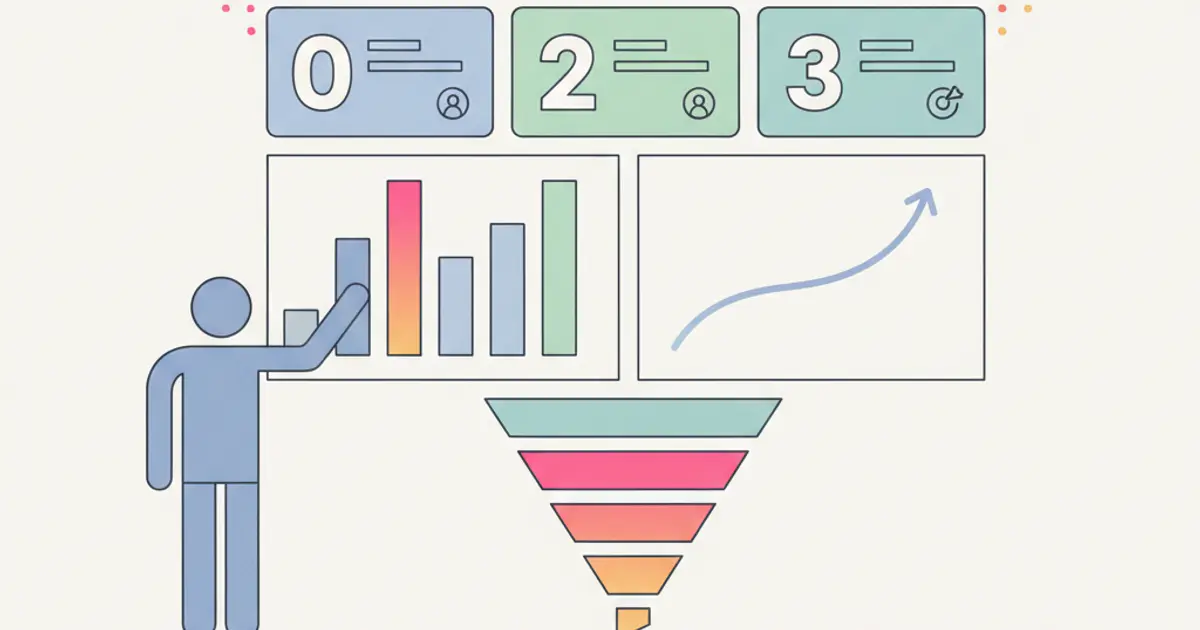
You open your CRM and see a dashboard with numbers. But are they the right numbers? The ones you actually need to decide where to invest, who to hire, which product to push? In most cases, the answer is no. Standard CRM reports are designed to work for everyone, which means they do not really work for anyone.
The result is that you end up exporting data to Excel and building your own reports manually. Every time. Every week. And when your sales director asks "how are we doing this month?", the answer arrives after hours of processing, not in real time. Meanwhile, decisions are made on gut feeling, not on data.
A CRM with truly customizable dashboards changes the game. It does not give you pre-packaged reports — it gives you the tools to build exactly the view you need. Your KPIs, your filters, your comparisons. Updated in real time, accessible with a click. Let us see what this means in practice and why it makes an enormous difference in sales management.
Why Standard Reports Are Not Enough
Every company tracks different metrics. A marketing agency cares about client profitability and project margins. A wholesale distributor focuses on order volume and inventory turnover. A consulting firm watches utilization rates and pipeline velocity. Yet standard CRM reports assume that everyone needs the same five charts, and those charts rarely answer the specific questions that drive your business forward.
The "one size fits all" problem becomes painfully obvious the moment you try to answer a question that is not covered by the default reports. "What is our average margin on deals over a certain value in the northeast region?" If the standard dashboard does not slice data that way, you are stuck exporting raw data and spending an hour in a spreadsheet to get the answer. And by the time you finish, the data is already outdated.
This is how the Excel export trap develops. It starts innocently — one custom report per week — and gradually becomes a ritual where your most analytically talented people spend hours doing work that a properly configured CRM should handle automatically. Those hours are not just wasted on data processing; they represent decisions that were delayed because the information was not available in real time. If you are still relying heavily on spreadsheets, our guide on why it is time to move beyond Excel explains the hidden costs in detail.
Custom Dashboards: Build Your Own View
A modern CRM gives you the tools to build dashboards the way you build presentations — by dragging and dropping the elements you need into the layout that makes sense for your audience. Available widgets include single-number KPIs with trend indicators, bar charts, line charts, pie charts, and detailed tables. Each widget connects to your live data and updates automatically, so the dashboard you build today stays current tomorrow without any manual intervention.
Dynamic filters make a single dashboard serve multiple purposes. The same revenue chart can show company-wide numbers for the CEO, team-specific numbers for a manager, or individual numbers for a sales rep — all depending on who is viewing it and what filter they apply. Period selectors let you switch between this week, this month, this quarter, or a custom date range with a click.
The ability to create multiple dashboards is essential for organizations where different roles need different views. Your sales team needs a pipeline dashboard focused on deals, stages, and conversion rates. Your project delivery team needs a dashboard showing active projects, resource allocation, and deadlines. Your finance team needs margins, invoicing, and cash flow. Each dashboard is built once and then shared with the appropriate team or individuals, with role-based permissions controlling who sees what.
Responsive design ensures the same dashboard works on desktop, tablet, and mobile. Your sales rep checking pipeline numbers on their phone between client meetings sees a clean, readable layout — not a shrunken desktop view that requires pinching and zooming.
Sales KPIs: The Metrics That Drive Sales Teams
Pipeline Metrics
The health of your pipeline is the best leading indicator of future revenue. Total pipeline value — broken down by stage, by sales rep, and by product line — tells you how much potential business is in flight at any moment. But the raw number only tells part of the story.
Stage-by-stage conversion rates reveal where deals are being lost. If eighty percent of your deals pass from "Discovery" to "Proposal" but only thirty percent pass from "Proposal" to "Negotiation," you know exactly where to focus your improvement efforts. Maybe your proposals need work, or maybe the pricing discussion is creating friction. Without stage conversion data, you are guessing.
Pipeline velocity measures how long deals spend in each stage. A deal that has been sitting in "Proposal Sent" for three weeks is at risk, and you need to know about it before the client quietly moves on. Deal aging reports flag these stalled negotiations automatically, giving your managers the information they need to intervene before opportunities die of neglect.
Performance Metrics
Individual and team performance tracking transforms abstract goals into visible, measurable progress. Revenue closed by period, by rep, and by product gives you a clear picture of what is working and what is not. Target versus actual comparisons let each sales rep see exactly how far they are from their goal — and let managers identify who needs support and who deserves recognition.
Win rate — the percentage of deals won out of total deals pursued — is one of the most revealing metrics in sales management. A rep with a high activity level but a low win rate may be chasing the wrong opportunities. A rep with fewer deals but a high win rate may need more pipeline, not more coaching. These insights are invisible without proper reporting.
Activity Metrics
Activity tracking connects effort to outcome. Calls made, emails sent, meetings booked per rep — these numbers become meaningful when you can see the activity-to-results ratio. How many activities does it take, on average, to close a deal? If one rep closes with ten touches and another needs thirty, the difference points to either a skills gap or a pipeline quality issue. Lead response time — how quickly the team reacts to new inbound interest — is particularly critical, as studies consistently show that leads contacted within the first hour convert at dramatically higher rates.
Margin Reports: How Much You Really Earn
Revenue is vanity; margin is sanity. Closing a large deal feels great until you realize the costs consumed most of the revenue. Margin reporting at the deal level — revenue minus direct and indirect costs — gives you the honest picture of which deals are actually profitable and which are keeping the team busy without generating real returns.
Client-level margin analysis is equally revealing. Most businesses discover that a small percentage of their clients generate the majority of their profit, while others consume disproportionate resources relative to their revenue. Without this data, you treat all clients equally, which means you are over-investing in unprofitable relationships and under-investing in your most valuable ones.
Service and product margin breakdowns answer the strategic question of what is worth selling. If service A has a forty percent margin and service B has a twelve percent margin, that information should shape your sales team's priorities, your pricing strategy, and your marketing spend. Margin trend analysis shows whether profitability is improving or eroding over time, and automatic alerts notify you when margin drops below a critical threshold — so you can act before a pricing problem becomes a profitability crisis.
Pipeline Analysis: Predicting the Future
A well-built pipeline dashboard does not just show you the present — it helps you predict the future. Probability-based forecasting takes each deal's stage, applies historical conversion rates, and generates a weighted pipeline value that serves as your best estimate of upcoming revenue. When your pipeline contains ten deals in the "Negotiation" stage and your historical close rate from that stage is sixty percent, the system calculates the expected revenue accordingly.
Forecast versus actual comparison measures how well your team predicts outcomes. If your forecasts consistently overestimate by thirty percent, you know to apply a correction factor — or, better yet, investigate why the team is systematically too optimistic. Pipeline coverage analysis tells you whether you have enough deals in the pipeline to realistically hit your quarterly target. If your target requires closing five hundred thousand in revenue and your probability-weighted pipeline is at three hundred thousand, you need to generate more opportunities now, not next month.
Scenario planning brings a powerful "what if" dimension to pipeline management. "What happens if we close these five specific deals?" The dashboard calculates the impact on revenue, margin, and target attainment in real time, helping you make prioritization decisions with concrete numbers rather than abstract reasoning. Combined with AI-powered forecasting, these analytics tools transform pipeline management from an art into a science.
Export and Sharing: Data Where You Need It
Not every insight stays inside the CRM. PDF exports produce polished reports ready for board meetings, investor presentations, or client reviews. Excel and CSV exports feed data into external business intelligence tools or financial models for advanced analysis that goes beyond what the CRM's built-in tools provide.
Scheduled reports eliminate the manual ritual of pulling data every Monday morning. Configure a report once — the metrics, the filters, the recipients — and the CRM delivers it automatically on a weekly or monthly cadence. Your sales team gets their pipeline summary every Monday at eight AM; your leadership team gets the monthly performance review on the first of each month. Nobody has to remember to create these reports; they just appear.
Permission-based access ensures that each department sees only the dashboards and reports relevant to them. The sales team does not need to see internal cost data, and the finance team does not need real-time activity metrics. Each view is curated for its audience, which reduces noise and increases the likelihood that people actually engage with the data rather than ignoring it because it is overwhelming.
From Data to Decisions: Making Dashboards Actionable
A dashboard that nobody acts on is just a screen saver. The goal is not to produce beautiful charts — it is to drive better decisions, faster. This starts with setting up threshold-based alerts that notify you when a KPI crosses a boundary. When your pipeline value drops below target coverage, when a deal stalls longer than average, when your team's response time exceeds your SLA — these alerts turn passive dashboards into active management tools.
Weekly team reviews anchored around the dashboard transform your sales meeting from a round of verbal updates into a data-driven discussion. The dashboard becomes the agenda: "Here is where we stand on target. Here are the deals at risk. Here is what needs to happen this week." This structure saves time, increases accountability, and ensures that the conversation focuses on actions rather than opinions.
The habit of benchmarking over time — comparing this month to last month, this quarter to the same quarter last year — reveals trends that are invisible in a single snapshot. Are conversion rates improving? Is the sales cycle getting shorter? Is pipeline coverage growing or shrinking? These longitudinal views tell the story of your business's trajectory and give you the information you need to make strategic decisions about automation, hiring, and investment with confidence.
Agencies need one more cut of the same data. Reading margin per salesperson says little when the money is made or lost per account: a client management system for a marketing agency reports hours, costs and invoices grouped by client and by project, which is the level at which a retainer stops being profitable long before the yearly total shows it.
Share this article
Written by
Luca Bosso
Founder of Flusia
Related articles
How to Calculate Sales Commissions for Agents
A practical guide to sales commission calculation: rates, tiers, referrers, margin based plans and how to make the CRM run the numbers for you.
Managing Quotes Without Spreadsheets: A Practical Guide
How a small business can run quotes properly: the fields that matter, shared statuses, automatic follow-ups and a clean handover from quote to invoice.
Automatic Lead Scoring: How to Prioritize the Right Clients
Learn how automatic lead scoring in your CRM helps you focus on the hottest leads, automate qualification and close more deals faster.