AI in CRM: 10 Things Artificial Intelligence Does for You (While You Work)
Discover 10 practical ways AI inside your CRM automates tasks, scores leads, transcribes meetings and helps your team sell smarter in 2026.

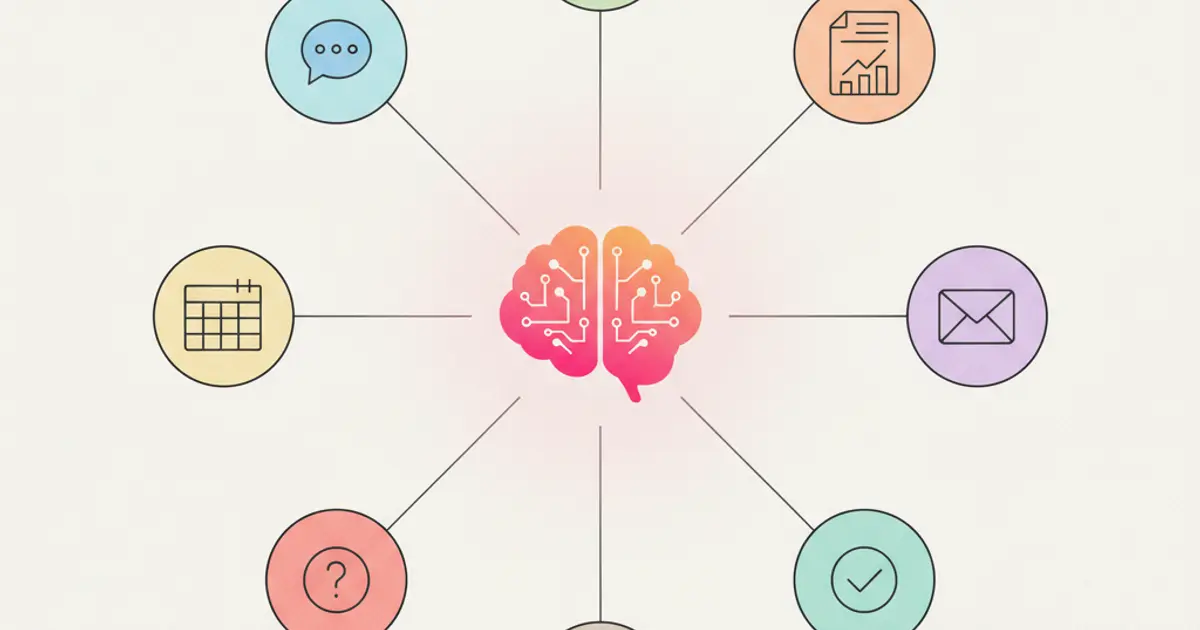
Artificial intelligence in CRM is no longer a future promise. It is a present reality that most businesses are not fully leveraging. When people hear "AI in CRM," they often imagine some science-fiction chatbot replacing their sales team. The reality is far more practical and far more useful: AI handles the tedious, repetitive, data-heavy tasks that consume your team's time so they can focus on what humans do best — building relationships and closing deals.
Think about what your sales team actually does all day. A surprising amount of their time goes to activities that add no value to the client relationship: logging notes, researching leads, prioritizing follow-ups, writing email drafts, filling in CRM fields, preparing reports. These are exactly the tasks where AI excels. Not replacing human judgment, but eliminating the busywork that surrounds it.
In this article, we will walk through ten concrete things AI does inside a modern CRM — not theoretical features from a product roadmap, but capabilities you can use today. From automatic lead scoring that tells you which prospect to call first, to meeting transcription that captures every detail without anyone taking notes, to WhatsApp AI agents that handle routine customer inquiries at 2 AM. Each one saves measurable time and produces measurable results.
1. Automatic Lead Scoring
Every sales team has the same problem: too many leads, not enough time. Without a system to prioritize them, your reps end up calling prospects alphabetically or by gut feeling, which means the hottest opportunity might sit untouched while someone chases a dead end.
AI-powered lead scoring changes this entirely. The system analyzes behavioral patterns — how often a lead opens your emails, visits your website, responds to messages — and combines them with firmographic data like company size, industry, and role. The result is a numerical score that tells your team exactly who to call first. Over time, the machine learning model refines itself using your own conversion data, so the scoring becomes more accurate with every deal you close. If you want a deep dive into how this works, our full guide on automatic lead scoring covers the details.
2. Meeting Transcription and Summarization
How much time does your team spend writing meeting notes? And how often do those notes actually get written? The honest answer for most teams is "a lot" and "not often enough." Important details from client calls disappear into the ether because nobody had time to document them properly.
With AI-powered meeting transcription, every call is recorded and converted to text automatically. But the real value goes beyond transcription. The AI generates a structured summary highlighting key decisions, action items, and open questions. These summaries are searchable across all your meetings, so three months from now you can find exactly what was discussed with a client in seconds. No more "I'll send you the notes" promises that never materialize. You can learn more about this capability in our guide on automatic meeting transcription.
3. Intelligent WhatsApp Agent
Your clients do not care about your office hours. When they have a question at 10 PM, they want an answer — and increasingly, they reach out via WhatsApp. Without AI, that message sits unanswered until the next morning, by which time the client may have already contacted someone else.
An AI-powered WhatsApp agent handles first-line inquiries around the clock. It answers frequently asked questions, provides order status updates, schedules appointments, and collects qualification information from new leads. The key is that it knows when to escalate: when a conversation requires human nuance or a complex decision, the AI seamlessly hands it off to a team member with full context. Your clients get instant responses 24 hours a day, 7 days a week, without you adding a single person to the payroll. For a deeper look at using WhatsApp as a business tool, read our article on WhatsApp as a sales channel.
4. Smart Email Drafting
Writing personalized emails to every prospect and client is essential for building relationships, but it is also incredibly time-consuming. Generic templates feel impersonal, and writing each email from scratch is not realistic when you have dozens of conversations in flight.
AI solves this by generating context-aware email drafts based on conversation history, deal stage, and client profile. The drafts are personalized enough that they do not sound like templates, yet they save your reps the fifteen minutes it would take to write each one manually. The AI also suggests optimal send times based on when each recipient typically opens and responds to messages, and it handles multiple languages seamlessly for teams working with international clients. Your reps review, tweak if needed, and send — transforming a twenty-minute task into a two-minute one.
5. Automatic Data Enrichment
A new lead enters your CRM with a name, an email, and maybe a phone number. To qualify that lead effectively, your sales rep needs to know the company size, the industry, the lead's role, and ideally their LinkedIn profile and recent company news. Researching all of this manually takes fifteen to twenty minutes per lead.
AI-powered data enrichment does this research automatically. The moment a new contact enters the system, the AI fills in firmographic and demographic details, validates the contact information, checks for duplicates, and flags any inconsistencies. Your reps open the lead profile and find it already complete with the context they need to have a meaningful first conversation. Multiply those fifteen minutes saved by fifty leads a week, and you are giving your team back an entire workday. This kind of automation pairs perfectly with a well-structured sales pipeline where every lead moves forward with the right information attached.
6. Sales Forecasting
"How much revenue will we close this quarter?" Every manager asks this question, and most get an answer based on optimistic guesses from their sales reps. The problem with gut-feeling forecasting is that it is consistently wrong — usually too optimistic, sometimes catastrophically so.
AI-driven sales forecasting replaces guesswork with data. The system analyzes your pipeline — deal values, stage progression rates, historical close rates, time in each stage — and generates probability-weighted revenue projections. More importantly, it identifies deals at risk of stalling and suggests specific actions to move them forward. Each time a deal closes or falls through, the model recalibrates, so your forecasts become more accurate over time. The result is that your planning decisions are based on data, not hope. If you are still building forecasts in spreadsheets, our article on custom dashboards and reports explains what you are missing.
7. Sentiment Analysis on Communications
Sometimes a client is unhappy, and you do not realize it until they have already decided to leave. The warning signs were there — in the tone of their emails, in their shorter responses, in the way they stopped engaging with your updates — but nobody noticed because nobody was looking.
AI sentiment analysis reads every email, message, and communication and flags shifts in tone. When a previously enthusiastic client starts responding curtly or expressing frustration, the system alerts the account manager before the situation escalates. On the positive side, it also identifies particularly enthusiastic clients who might be candidates for case studies, referrals, or upsells. This transforms subjective gut feeling into objective, actionable data — and it runs continuously in the background without anyone having to do anything.
8. Automated Task Prioritization
Your to-do list has twenty items on it. You know some are more important than others, but figuring out the optimal order requires considering deadlines, client importance, deal value, dependencies, and a dozen other factors. So you default to doing whatever feels most urgent, which is rarely what is most impactful.
AI reorders your daily task list based on a multi-factor analysis of urgency, expected value, and business context. It knows that the follow-up on a high-value deal closing this week matters more than updating a report due next month. It accounts for client priority levels, deal stages, and even the time of day when each action is most likely to get a response. Your to-do list stops being a random collection of tasks and becomes a strategic action plan ranked by impact. For teams managing complex workloads, combining AI prioritization with solid project management practices creates a powerful productivity engine.
9. Custom Report Generation
Historically, getting a custom report from your CRM meant either knowing the reporting tool inside out or waiting for someone who did. Most teams have one or two people who know how to pull data, and everyone else is stuck waiting or exporting to Excel and building reports manually.
Natural language report generation changes this completely. You type "show me revenue by client for the last quarter" and the AI generates a formatted report instantly. Want to see conversion rates by lead source over the past six months? Just ask. The AI understands your CRM data model and translates plain-language questions into the right queries, charts, and tables. This democratizes data access across your entire organization — every team member can get the answers they need without technical expertise. To understand the full potential of data-driven decision making, explore our guide on custom dashboards and sales reports.
10. AI-Powered Status Updates
Writing project status updates is the task that nobody wants to do but everybody needs. The project manager spends thirty minutes compiling what happened this week, the client wants a summary, and the leadership team wants to know if things are on track. Meanwhile, all of this information already exists in the CRM — in completed tasks, logged hours, milestone progress, and team activity.
AI-generated status updates synthesize this data into clear, structured summaries automatically. Weekly client reports draft themselves from task completion data and project milestones. Team standup summaries compile from individual activity logs. Stakeholder updates highlight what is on track, what is at risk, and what needs attention. Nobody has to write these reports manually, yet everyone stays informed. It is one of those features that sounds small but saves hours every week across the entire team.
How to Evaluate AI in a CRM
Not all AI implementations are created equal. Before you choose a CRM based on its AI capabilities, there are several critical questions you should ask. First, consider whether AI is included in the standard price or sold as an expensive add-on that doubles your subscription cost. Many platforms advertise AI features prominently but charge premium rates to access them.
Second, find out whether the AI learns from your specific data or relies on generic models. A scoring algorithm trained on your actual conversions will always outperform a one-size-fits-all model. Third, check how much control you have over AI behavior — can you customize rules, adjust thresholds, and override suggestions when they do not fit your process?
Finally, and perhaps most importantly, ask about privacy. Where is your data processed? Is it sent to third-party AI providers? Is it used to train models that serve other companies? With GDPR compliance being a legal requirement, not a nice-to-have, understanding how AI handles your client data is essential. A CRM that gives you powerful AI without compromising data sovereignty is what you should be looking for.
If you are still weighing your options, our guide on how to choose the right CRM for your SME can help you navigate the decision process with confidence.
Share this article
Written by
Flusia Team
Related articles
The Future of CRM: AI, Automation and Why 2026 Is the Turning Point
2026 CRM trends: conversational AI, end-to-end automation, CRM as a business operating system. Discover what will change in the next 2 years.
How to Record a Meeting and Get an Automatic Transcription
Discover how to record meetings on Meet, Zoom and Teams and get automatic AI transcriptions with tasks and recaps directly in your CRM.

Automatic Lead Scoring: How to Prioritize the Right Clients
Learn how automatic lead scoring in your CRM helps you focus on the hottest leads, automate qualification and close more deals faster.