Your Team Wastes 5 Hours a Week on Manual Tasks: Here's How to Automate
Discover which repetitive tasks drain your team's time and how workflow automation can give you back 5+ hours every week.

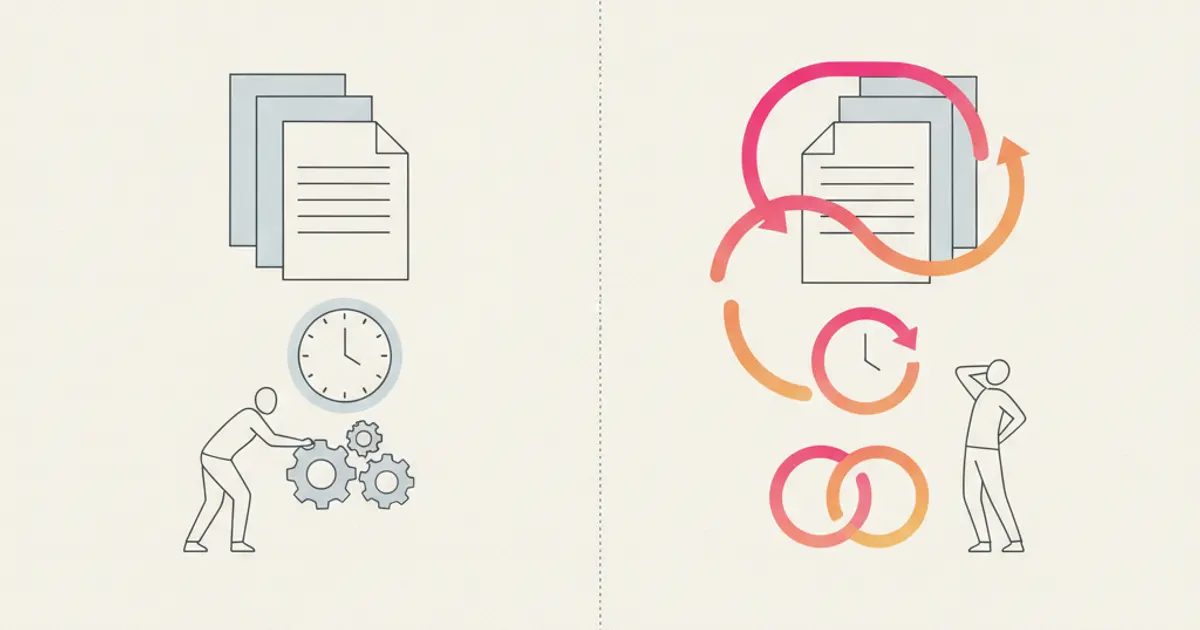
Take a moment and think about your team's typical week. How many hours go into sending the same follow-up email, copying data between tools, updating spreadsheets with information that already exists somewhere else, or manually assigning tasks that follow the same pattern every single time?
For most SMEs, the answer is staggering: at least five hours per person, per week. That is more than a full month of productive time lost every year — not to complex strategic work, but to repetitive busywork that a machine could handle in milliseconds.
The irony is that business owners know this. They feel the friction daily. But the perceived complexity of "automation" keeps them stuck in the same loop. The truth is far simpler than it seems. Modern workflow tools let you automate the most draining tasks in minutes, not months — and without writing a single line of code. Let us show you exactly where to start.
The real cost of manual work
Let us put numbers on the problem. If a team member earns 25 euros per hour and spends five hours each week on tasks that could be automated, that is 125 euros per week — or roughly 6,500 euros per year — per person. For a team of five, you are looking at over 32,000 euros annually spent on work that produces no strategic value whatsoever.
But the financial cost is only the beginning. The tasks most commonly repeated — data entry, follow-up emails, status updates, report generation, and copying information between systems — are also the tasks most prone to human error. A mistyped email address, a forgotten follow-up, an outdated figure in a report: each small mistake creates a ripple effect that costs even more to fix. One wrong invoice sent to the wrong client can damage a relationship that took months to build.
There is also the morale factor, which does not show up on any balance sheet but affects everything. People who spend their days on repetitive, low-value tasks lose motivation over time. They know their time could be better spent. The best employees — the ones you most want to keep — are the first to get frustrated with busywork and the first to look for a more engaging role elsewhere.
The most expensive sentence in any business is "we have always done it this way." It is an invisible tax on growth, paid in wasted hours, preventable errors, and talented people who disengage because their days feel pointless.
Identifying what to automate first
Not everything should be automated, and trying to automate everything at once is a recipe for confusion. The smartest approach is to start with a repetition audit: a simple exercise where each team member lists every task they perform more than three times a week.
Once you have that list, apply three criteria to each task. Frequency: does it happen daily or weekly? Predictability: does it follow the same pattern every time? Complexity: is it straightforward enough that the rules can be clearly defined? Tasks that score high on all three are your prime candidates.
The quick wins — automations you can set up today with immediate impact — tend to fall into five categories.
Lead assignment is one of the highest-impact automations for any sales team. Instead of a manager manually reviewing incoming leads and forwarding them to the right person, define rules that route new leads automatically based on territory, deal size, product interest, or a simple round-robin. The lead arrives, the right salesperson is notified, and the clock starts ticking — all within seconds. This alone can dramatically reduce the response time that determines whether a lead converts.
Follow-up sequences eliminate the most dangerous dependency in sales: human memory. When a new lead enters the pipeline, the system can automatically schedule a series of touchpoints — an email at 24 hours, a WhatsApp message at 72 hours, a task to call at one week. Your salesperson still makes the personal connection, but the system ensures that no lead ever falls through the cracks because someone forgot.
Status notifications keep the entire team informed without anyone needing to send a chat message or walk over to a colleague's desk. When a deal moves to a new stage, the relevant people are notified automatically. When a task becomes overdue, the assignee and their manager both get an alert. When a client replies to an email, the account owner sees it immediately.
Document generation is a hidden time sink that most teams underestimate. Creating a quote means opening a template, copying client details, filling in pricing, formatting the document, and sending it. With automation, a quote can be pre-filled with CRM data — client name, address, pricing, terms — and ready for review in seconds instead of minutes.
Data synchronization between your CRM, invoicing tool, and project manager eliminates double entry entirely. When a deal closes, the client record, invoice details, and project brief all update in their respective systems without anyone touching a keyboard.
How workflow automation works in practice
Modern workflow automation follows a simple model: trigger, condition, action. Something happens (the trigger), the system checks whether certain criteria are met (the condition), and then it executes one or more steps (the action). No coding required — you build these visually, like connecting blocks.
Here is a concrete example. A new lead fills out a form on your website. That is the trigger. The system checks the lead source and the service they are interested in — those are the conditions. Based on the answers, it assigns the lead to the appropriate salesperson, sends a welcome WhatsApp message with a personalized greeting, and creates a follow-up task due in 24 hours. The entire sequence happens in under a second.
Another powerful example involves deal closure. The moment a deal is marked as won, the workflow generates an invoice draft pre-filled with deal data, notifies the delivery team that a new project is starting, schedules an onboarding call, and sends a welcome email to the client. What used to take 20 minutes of manual coordination across multiple people now happens instantly and flawlessly.
Escalation workflows prevent small problems from becoming big ones. If a task has been overdue for 48 hours, the system automatically escalates it to the manager, sends a reminder to the assignee, and logs the delay for future analysis. Problems get addressed before they snowball, without anyone needing to manually review a task list.
Branching logic makes workflows even more powerful. Based on conditions like deal value, client type, or region, the workflow can take different paths. A deal above 10,000 euros might trigger an executive review step, while smaller deals follow a streamlined process. You define the logic once, and the system applies it consistently — something that human processes notoriously fail to do.
Before going live, always test your workflows with real scenarios. Run a test lead through the entire sequence. Verify that every notification lands in the right inbox, every task is created correctly, and every edge case is handled. A few minutes of testing prevents days of confusion.
Common automation mistakes to avoid
Automation is powerful, but it requires thoughtful implementation. The most common mistake is over-automating. There are moments in every client relationship where the human touch matters — a personalized congratulation, a sensitive negotiation, a genuine expression of empathy. Automating those moments makes your business feel robotic and impersonal. Use automation for the mechanical parts of your process and let humans shine where they add the most value.
The second trap is setting and forgetting. Workflows are not permanent installations. Your business evolves, your team changes, your clients' expectations shift. A workflow that was perfect six months ago might be sending outdated information or following a process that no longer exists. Schedule a quarterly review of your automations to ensure they still reflect reality.
Perhaps the most dangerous mistake is automating a broken process. If your follow-up sequence does not work when done manually, making it automatic simply means you deliver a bad experience faster and at scale. Fix the process first. Make sure it works when a human executes it. Then automate it to ensure consistency and speed.
Finally, involve your team from the start. People resist what they do not understand. When automation is imposed from above without explanation, team members feel threatened rather than supported. Show them the time they will save. Let them identify their own pain points. Make them partners in the automation effort, not subjects of it. The adoption rate will be dramatically higher.
Measuring the impact
The beauty of automation is that its impact is measurable from week one. Start by establishing a baseline: how much time does each task take today, and how often does it occur? Then measure the same metrics after automation and calculate the difference.
Time saved per week is the most tangible metric. If your team was spending five hours on follow-up emails and that number drops to one hour of oversight, you have reclaimed four hours of productive time — time that can be redirected to selling, serving clients, or developing new initiatives.
Error reduction is equally important. Track the number of manual mistakes before and after: duplicate data entries, missed follow-ups, incorrect invoices. Most teams see a reduction of 60-80% in the first month alone.
Response time improvement often delivers the most direct revenue impact. If your average lead response time drops from four hours to four minutes, you will see it reflected in conversion rates within weeks. Faster response means more leads that convert instead of going cold.
Finally, talk to your team. Team satisfaction is a leading indicator of long-term success. When people tell you they finally have time to focus on the work that matters, you know the automation strategy is working. And that is also the moment when you will see the biggest improvements in your dashboards and reports — because a team freed from busywork performs better at everything else, too.
Share this article
Written by
Flusia Team
Related articles
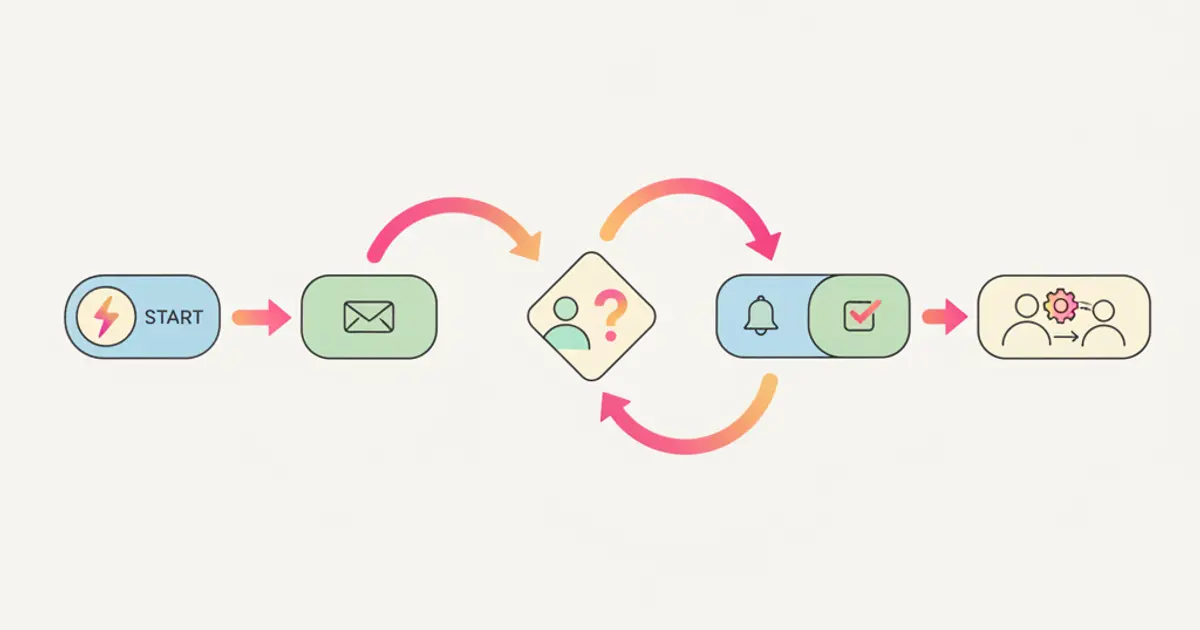
How to Create Automatic Workflows: From Theory to Practice
Learn how to build automatic workflows in your CRM with triggers, conditions and actions that save hours of manual work every week.
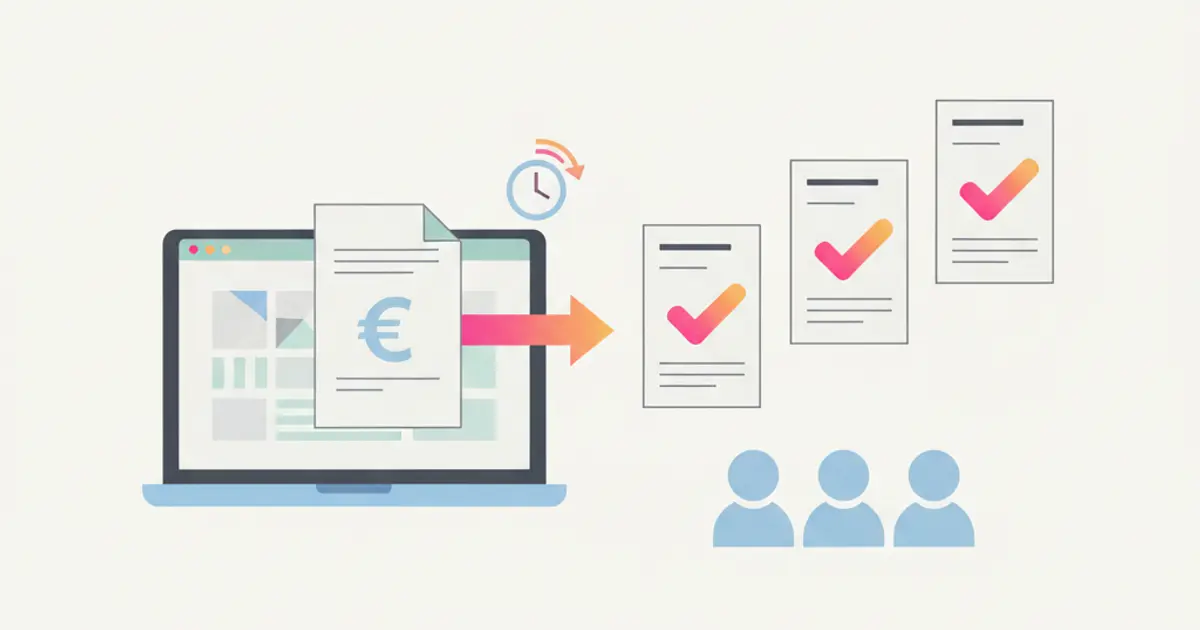
Late Invoices? How to Automate Billing and Get Paid Faster
Learn how to automate invoicing in your SME with automatic queues, Fatture in Cloud integration and smart payment reminders.
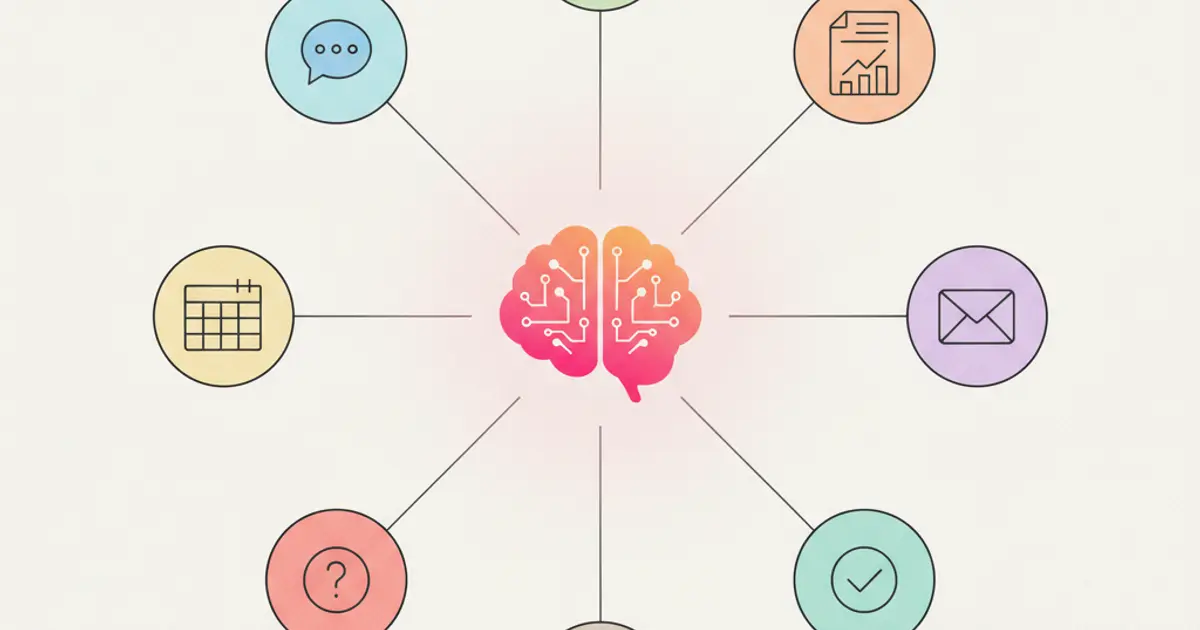
AI in CRM: 10 Things Artificial Intelligence Does for You (While You Work)
Discover 10 practical ways AI inside your CRM automates tasks, scores leads, transcribes meetings and helps your team sell smarter in 2026.