CRM for Construction and Installation Companies
What a CRM for construction and installation firms must cover: site surveys and quote revisions, job hours and materials, margin at completion, service visits.

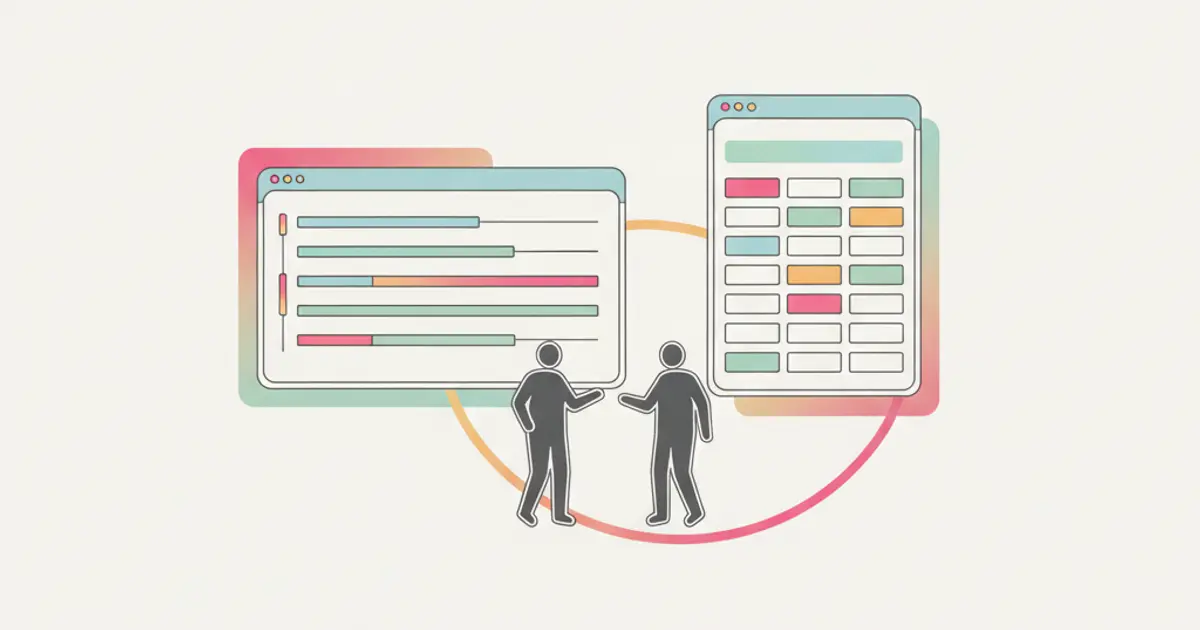
For a construction or installation firm, a CRM earns its place if it holds three things that today live in three different places: the quote, from the site survey through the revisions to the accepted version; the job, with hours, materials and the margin you are left with at completion; and the service visit, with the crew, the appointment and the job sheet. The customer database matters, but it is not what decides whether the month closes well. What decides that is being able to say, on the Friday of a job in progress, how many hours have gone in against what you sold.
If quotes live in a word processor, job hours in a notebook in the van and next week's appointments in a group chat, this article sets out which of the three to put in order first.
The three areas, and what each one costs when it is missing
A contracting business of five to forty people almost never has a lead problem: work arrives through word of mouth, a merchant, a designer, a returning customer. The losses sit further down the line, and they are quiet.
| Area | What it has to hold | How you notice it is missing |
|---|---|---|
| Quoting | Survey notes, priced lines, revisions, status, expiry | Two versions of the same quote in circulation and nobody sure which one the customer signed |
| The job | Hours per person, materials issued, subcontractor invoices, variations | The margin only appears when the accountant closes the year |
| Service visits | Appointments, crews, job sheets, parts used | A technician goes out twice because the first visit was never written down |
Fix them in the order of that table, with one caveat: if you are losing more on jobs than on quotes, common once the average job runs past a few weeks, start with hours.
Quoting: from the site survey to the accepted version
The quote for a contracting firm is rarely a single document. There is a survey, a first figure, a customer who drops the second bathroom, a designer who changes a specification, and three weeks later a version nobody can trace back to the priced original.
Two things are worth separating. Detailed measurement and priced bills of quantities, the kind a public tender requires, are a discipline of their own with dedicated tools and often a quantity surveyor: no CRM replaces that. What a CRM has to do is everything around the document: hold the survey notes against the customer, draw the lines from one price list rather than from the last similar quote, number the revisions, record when the quote went out and when it came back accepted, and hand the accepted lines on so nobody retypes them into an invoice.
A practical sequence that holds up on site:
- Book the survey as an appointment against the customer record, with the site address rather than the registered office. Those two differ often, and it is the most common reason a van ends up at the wrong gate.
- Take the survey notes in a fixed order: access and working hours, what is already there, what has to be removed, what the customer must prepare. A free-form note invites a second visit to measure what you forgot.
- Price from one list. Labour rates per hour and per crew, the twenty materials you fit most often, the standard call-out. When two people quote the same run of pipework at different rates, the price list is the problem.
- Give every quote a status and an expiry date. Sent, revised, accepted, lost. A quote with no expiry is one you will be asked to honour in March at January's material prices.
- Keep the superseded revisions. When the customer says the ventilation was included, the answer is a document, not a memory.
- Get acceptance in writing, even as a signed PDF returned by email. Not for form's sake: so that you know which version is live.
The checklist of what quoting software actually has to do is set out in the guide to choosing quoting software. Flusia covers this part as quotes and offers built on a shared price list, with statuses and handover into invoicing.
The job: hours, materials and margin at completion
This is where the money is, and the part most often left to memory. A job sold well but run without records can still close below cost, and you will find out months later.
Three figures make a job readable: what you sold, which is the accepted quote; what has gone in, meaning hours by person, materials issued, subcontractor and hire invoices; and the difference, read while you can still act on it rather than at the year end.
Hours are the hard part, because they have to be recorded daily by the people doing the work, without a form that takes five minutes. Keep it to four fields: who, which job, how many hours, what they did in one line. A fictional example shows the gap. Costruzioni Marelli quotes a shop refit at 180 hours of labour. Six weeks in, the recorded total is 214 hours, and 30 of those are a change to the electrical layout the customer asked for verbally. Written down as it happened, that change becomes a variation worth invoicing. Reconstructed in November, it becomes an argument nobody wins.
Materials follow the same rule: they leave stock against a job, not against the month. Holding stock alongside jobs is what lets you see that the 40 metres of trunking on the van were charged to a job that finished in August. Flusia handles this side as jobs and projects with hours and costs recorded against them, a warehouse module for stock movements, and an integration with Fatture in Cloud so accepted amounts are not typed twice. The full method for opening, tracking and closing a job is in the guide on how to manage client jobs, and the module is described on the jobs and projects page.
Site accounting proper, the periodic statements and retentions of a formal construction contract, is governed by the contract itself: keep it with whoever prepares your accounts. Use the job record for what it is good at, knowing today where the margin stands.
Several sites at once: planning crews, not just dates
With three or four sites running and two crews, the constraint is rarely the calendar. It is that the same electrician is needed on Tuesday in two places, and that the bathroom fittings arrive on the eighth while the tiler is booked for the third.
What helps is a single view showing sites as bars over weeks, with the crew assigned and dependencies explicit, so that moving a delivery date visibly moves the trade waiting on it. A board by status suits service visits, where the question is what stage each one is at; a timeline suits sites, where the question is what blocks what. Both readings are covered in the guide to planning with Gantt and Kanban.
The habit matters more than the tool: a fixed twenty minute slot, same day every week, where the coming fortnight is agreed out loud and written down once.
Service visits: crews, appointments and job sheets
Electrical, plumbing, heating and air conditioning firms almost always end up with a maintenance and callout business attached, usually run more loosely than the installation side even though it is the part customers judge you on.
The essentials are short. Requests land in one list whatever channel they arrived on. Each becomes a visit with a date, a time slot rather than an exact time, a named technician and an estimated duration. Before leaving, the technician knows where they are going, who is expecting them, the symptom, what was done last time and whether the work is chargeable. Outcome and parts used are recorded the same day, because an outcome written on Friday is always rounded down. Extra work found on site becomes an agreed line or a separate quote before anyone touches it. The step-by-step version is in the guide on how to manage service jobs and site visits.
The other half of service work is the conversation. Customers on site send photographs and ask questions by message, and when those land on a private mobile the office cannot see them. A shared business number several people can answer from, with the history attached to the customer, removes that blind spot. Flusia provides this as multi-operator business WhatsApp, with automations for repetitive steps such as appointment confirmations and status changes.
Where to start, and in what order
Doing all of it at once is how these projects stall. A workable order over four weeks:
- Week one: customers and sites. One record per customer, with the site address and the contact who opens the door. Nothing else.
- Week two: the price list and one quote template. Two templates at most, and someone checking the totals on the next five real quotes.
- Week three: hours. The two largest open jobs only. Daily entry, four fields, no exceptions. This habit takes longest to settle, so start it early.
- Week four: service visits and the shared number. Move the request list and the schedule across, and set the date after which nobody writes on the old whiteboard.
One figure is worth watching after the first month: the share of open jobs with hours recorded up to yesterday. Below half, any margin you calculate is a guess.
Common mistakes
Choosing on the quote layout. The PDF is the visible part, so it gets the attention. The parts that change your year are the price list, the revision history and the hours.
Recording hours weekly. A week reconstructed on Friday loses the short jobs and the travel, which are exactly the hours that go unbilled.
Treating variations as goodwill. "While we were there we sorted that too" is revenue that disappears.
Frequently asked questions
Is a CRM the same thing as construction management software? No, and the distinction is worth keeping. A CRM holds the commercial and operational thread: customer, quote, job, hours, costs, visits, communication. Detailed measurement, structural calculation and formal site accounting are separate disciplines with their own tools, needed later than the first.
We get work by word of mouth. What use is a CRM to us? The lead side will indeed be quiet. The value sits in the other three areas: quote revisions that stay traceable, jobs whose margin you can read while the work is running, and service visits that do not get lost. Word of mouth also has a history worth keeping: which customers came back, and what they paid.
Do the crews need to use it? Only for one thing: recording hours and materials against the job, daily. That is a few taps on a phone, not a form. Quoting, planning and invoicing stay with the office. Ask fitters for six fields and you will get none.
How long before it is actually in use? For a firm of five to forty people, expect about a month, most of the effort going into tidying the customer list and the price list rather than configuring anything. The pace is set by the hours habit.
Share this article
Written by
Luca Bosso
Founder of Flusia
Related articles
CRM for Consultants: From Proposal to Invoice in One Flow
How freelancers and consultants use a CRM to manage leads, send proposals, track projects and automate invoicing in a single streamlined workflow.

CRM for E-commerce: Orders, Warehouse and Customer Service Integrated
How an e-commerce CRM unifies order management, warehouse tracking and customer support to boost online sales and reduce operational chaos.

CRM for Marketing Agencies: Client Management & Billing
Client management for agencies in one place: track leads, run client projects, and bill retainers or hours from the same record. Set up in a week.