CRM with WhatsApp Integration: What It Is and How It Works
What a CRM with built-in WhatsApp is, how a shared business number works for a team and what changes compared to the WhatsApp Business app alone.

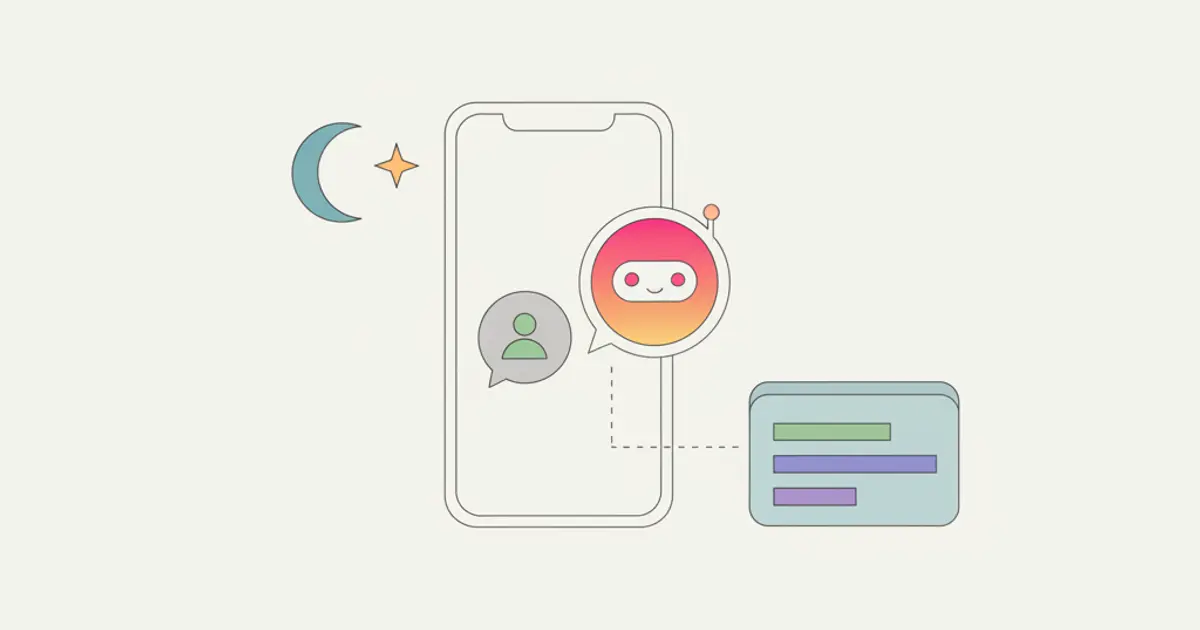
A CRM with WhatsApp integration is a CRM where your company's WhatsApp chats live inside the platform, linked to client records: several team members reply from the same business number, every conversation stays in the client's history, and messages can also go out automatically. In markets like Italy, where WhatsApp is de facto the channel clients use to write to businesses, it is the difference between a managed channel and a personal phone acting as a bottleneck.
This guide explains how it works in practice, what changes compared to using the WhatsApp Business app on its own, and which questions to ask before adopting it.
The problem: business WhatsApp on a single phone
Most small businesses already use WhatsApp with clients, and almost all in the same way: one number (often personal) on one phone, in one person's hands. It works while clients are few, then the limits show up:
- Conversations are invisible to the rest of the team. If the owner negotiates with a client on WhatsApp, nobody else knows what was said.
- One pair of hands. If the person holding the phone is on holiday or in a meeting, clients wait.
- No history where it matters. The deal lives in the CRM (or a spreadsheet), the conversation lives on the phone: two separate worlds.
- Contacts leave with people. A collaborator changes job, the relationship disappears.
The free WhatsApp Business app adds a business profile and quick replies, but solves none of these four problems: it is still one phone, one person, no connection to client data.
How WhatsApp works inside a CRM
Integration flips the setup: the WhatsApp number belongs to the company, and conversations flow into the CRM like email does. Concretely, with Flusia's WhatsApp Business it works like this:
One number, the whole team. Chats arrive in a shared inbox inside the CRM: whoever is free replies, from desktop or mobile. The client always sees the same business number, and each team member sees the conversations they have permissions for.
Every chat is attached to the client record. When a number already in your database writes, the conversation appears in that client's history, next to quotes, notes and activities. When a new number writes, it can become a lead in one click. Chat stops being a side channel and becomes part of the relationship.
Messages can go out on their own. With automations, a WhatsApp message can be triggered by an event: a confirmation when a request arrives from the website, a reminder the day before an appointment, a follow-up when a quote sits unanswered. These are the messages nobody ever sends "because there is no time".
Scheduled and bulk sends. A communication to a list of clients (a schedule change, a promotion) goes out from the CRM in a controlled way, without an afternoon of copy and paste.
What actually changes: before and after
| Situation | WhatsApp on a phone | WhatsApp in the CRM |
|---|---|---|
| Who replies | The person holding the phone | Whoever on the team is available |
| History | On one person's phone | On the client record, forever |
| New client writing in | A contact in an address book | A lead in the CRM in one click |
| Follow-ups | From memory | Automatic, event-driven |
| If the person leaves | The relationship leaves too | Everything stays with the company |
What you need before you start
Four things to have ready before you connect anything. None of them takes long, and skipping one is what usually makes the first week messy.
- The number your customers already use. It is the one saved in their phones, so it is the one to bring into the CRM. Decide whether to connect it as a personal number, with no cost per message, or through the WhatsApp Business API.
- Customer records with a correct mobile number, country code included. The chat lands in the right record when the number that writes is already in your database: a missing or mistyped mobile makes a regular customer look like a stranger.
- A short list of who handles bookings, and who answers which kind of conversation. A front desk and an owner work differently from a sales team.
- Your appointment types and a reminder text, if you want customers to book from a link and get a reminder the day before: duration, bookable hours and the message itself, written once.
Customers message about appointments, staff can't see the history: how to fix it
Here is an example from a business that works by appointment. A customer books on WhatsApp by writing to the owner's phone, on Tuesday asks the front desk on another phone to move the slot, and on Thursday writes again to ask what to bring. The conversation is split across two devices and nobody holds the whole of it. Whoever answers on Thursday does not know the slot was moved, and the customer has to explain everything again. A CRM with WhatsApp integration closes that gap in five steps.
- Connect the company number to the CRM. Choose between a personal number, connected through an internal server with no cost per message, and the WhatsApp Business API; for most small teams the first is enough to start. From this moment every new message to that number arrives in the CRM instead of living only on one phone.
- Let each conversation attach to the customer record. When a customer already in your database writes, the chat appears in their history next to notes, quotes and activities; when an unknown number writes, you create a lead from the chat, with the name and number already filled in. After this step, opening the customer record shows every message about their appointments in one place, in order.
- Give every colleague who handles bookings access to the shared inbox. Several people reply from the same number, each with their own account. The result: whoever picks up a rescheduling request reads the whole thread first, sees that the slot was already moved once and that the customer prefers mornings, and answers without asking anyone. WhatsApp calls with the customer are logged in the same record, so whoever reads the history also knows when the customer called.
- Send the booking link in the chat instead of negotiating the slot. When a customer asks whether you have anything on Thursday, reply with the link to your public booking page, or let an automation send it for you. The page is synced with the calendar and in Flusia it is part of the Matrix plan. The result is that the customer picks a free time on their own, without five messages back and forth, and the appointment lands in the calendar without anyone typing it in.
- Schedule the reminder for the day before. You can schedule a WhatsApp message for a specific time, so the reminder goes out without anyone having to remember it, and if the customer replies asking to move, the answer arrives in the same conversation, visible to whoever is on duty.
The slow part is not the connection but the preparation: clean mobile numbers on your records and a reminder text you write once and reuse.
Common mistakes
Keeping a personal phone in parallel. If the owner keeps answering some customers from their own phone, those chats never reach the CRM, and the history has holes exactly where decisions were made. Announce one number and move everyone onto it.
Agreeing a new time in the chat and not updating the calendar. A change confirmed in a message but never carried into the calendar produces the empty slot you wanted to avoid. Sending the booking link prevents it, because the appointment is created in the calendar directly.
Sending reminders when nobody reads the replies. A reminder that gets "can we make it Friday?" and no answer is worse than no reminder at all. Decide who watches the shared inbox, and at which hours, before you switch reminders on.
Questions to ask before adopting it
Do we need a dedicated number? Yes: the right choice is a business number (even a new one) separate from personal numbers. Migration is the right moment to do it.
Will clients notice? No: for the client it is a normal WhatsApp chat. Everything changes only on the company side.
What about privacy? Client conversations are personal data: keeping them on personal phones is a risk, while moving them to a platform with per-user permissions and EU-hosted data is a step forward, not backward.
Is it for selling too, not just support? Yes, and it is often the biggest benefit: response rates on WhatsApp are far higher than email. We cover it in WhatsApp as a sales channel.
What about messages outside working hours? That is the typical use case for an AI agent that handles the first reply and hands the conversation to a person: we describe it in answering clients on WhatsApp around the clock.
Who benefits most
WhatsApp+CRM integration pays off where conversation volume is high and sales happen through dialogue: agencies and firms following many clients in parallel, appointment-based businesses (salons, studios, gyms), e-commerce with pre and post-sales support, sales teams sharing one client base. If you receive two messages a week, the free app is still enough.
For the full picture on costs and plans, see the pricing page; to understand whether you need a CRM at all, start from what is a CRM and what is it for.
Flusia is an Italian CRM for small and medium businesses that keeps leads, customers, quotes, projects and the company WhatsApp in one place, with several people replying from the same number and every chat tied to the customer record. You can try it free for 30 days, no card required: connect your number, watch the conversations land on the right records and judge with your own data. To see everything the integration covers, from the personal number to automatic booking links, start from WhatsApp in Flusia, or ask to see it in a demo.
Frequently asked questions
Customers WhatsApp us about scheduling, but staff don't see the full chat history: what is the fix? Move the business number off individual phones and into the CRM. Each chat then attaches to the customer record, so any colleague with access opens the customer and reads every message about bookings, changes and questions, in order, before replying.
Do we need the WhatsApp Business API to connect our number? No. In Flusia you can connect a personal number through an internal server, with no cost per message, or use the Business API if you prefer. Either way the chats stay with the company, not on someone's phone.
Can customers book an appointment straight from a WhatsApp chat? Yes, by receiving the link to your booking page in the chat, sent by hand or by an automation. The page is synced with the calendar, so customers only pick free slots, and the booking reaches the calendar without anyone copying it over.
Do WhatsApp calls with customers show up in the CRM too? Yes, calls are logged in the customer record, next to the chat history. Whoever picks up the next message knows a call took place.
Try WhatsApp built into the CRM
30 days free, no credit card. Your business number, your whole team.
Start nowShare this article
Written by
Luca Bosso
Founder of Flusia
Related articles
WhatsApp as a Sales Channel: It's Not Just Customer Support
Customers message you on WhatsApp and Instagram, but support and sales never see the same thread: how a shared multi-operator inbox with CRM fixes it.
WhatsApp Multi Agent: One Shared Number for Your Team
How several people can answer from the same business WhatsApp number: chat assignment, internal notes, roles and a shared history inside your CRM.
CRM Newsletters: Send Your First Campaign in an Hour
Send newsletters from your CRM: no export, no separate tool. Authenticate your domain, build a segment, test the email, schedule it and read the results.