CRM for Consultants: From Proposal to Invoice in One Flow
How freelancers and consultants use a CRM to manage leads, send proposals, track projects and automate invoicing in a single streamlined workflow.

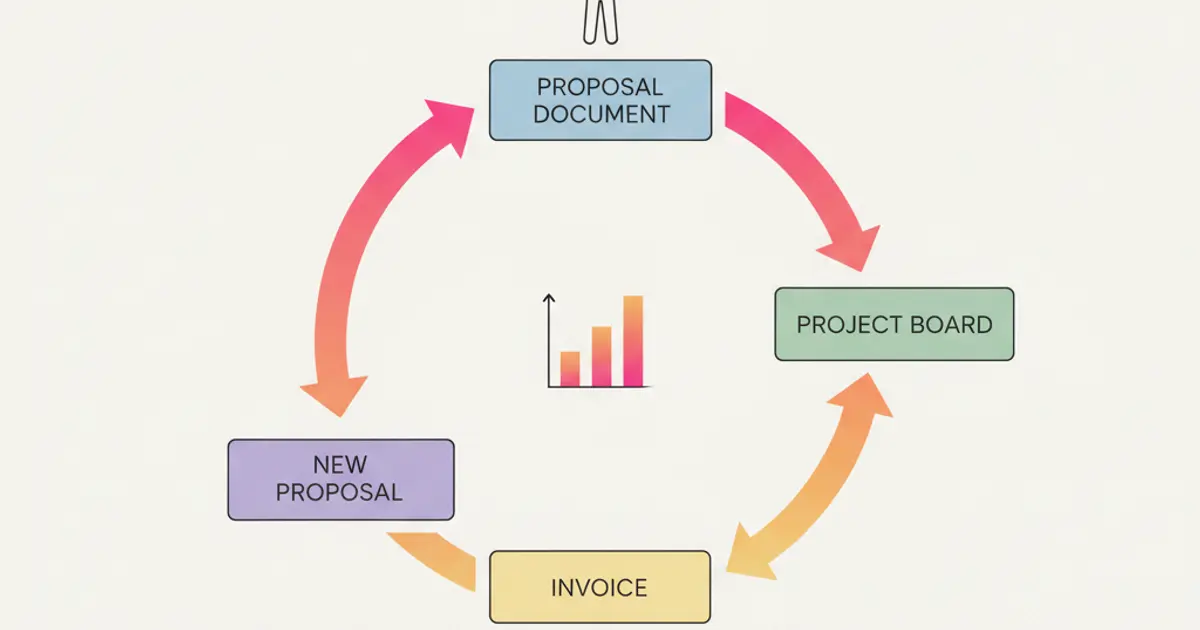
As a freelancer or consultant, you are the sales team, the project manager, the account manager, and the billing department — all in one person. Every hour you spend switching between tools, copying client data from your email to a spreadsheet, manually creating invoices, or chasing payments is an hour you're not spending on billable work. And in a business where time is literally money, that tool tax hits harder than most people realize.
The typical consultant's workflow looks something like this: leads come in through referrals, LinkedIn, or the website. You track them mentally or in a basic list. You send proposals via email or Google Docs. If they accept, you start the project and track progress... somewhere. When it's time to invoice, you open Fatture in Cloud or another invoicing tool, manually enter the details, and send it. Then you follow up on payments by checking your bank account. Every step is disconnected from the last.
A CRM built for consultants and freelancers collapses this entire chain into one flow. A lead enters the pipeline, moves through stages as the relationship develops, converts into a project with tasks and milestones, and triggers invoices automatically when work is delivered. The result isn't just saved time — it's a professional operation that scales with you. This guide walks through exactly how this works, what to look for in a CRM, and why the investment pays for itself within the first month.
The freelancer's operational reality
Before diving into solutions, it is worth acknowledging the specific constraints that freelancers and solo consultants face. Unlike a company with departments, you wear every hat simultaneously. You are sourcing new business while delivering current projects while managing finances while handling admin. There is no operations manager to hand tasks to, no accounting department to follow up on invoices, no sales team to nurture leads while you are heads-down on client work.
This reality means that time is your most constrained resource, and how you allocate it directly determines your income. Every minute spent on administrative work — updating spreadsheets, duplicating data between tools, manually creating invoices, checking payment status — is a minute not spent on work that generates revenue. The arithmetic is relentless: if you bill at 100 euros per hour and spend five hours per week on administration that a CRM could automate, that is 500 euros in lost billing capacity every single week.
Client relationships in a consulting context are deeply personal. Your clients chose you specifically — your expertise, your approach, your personality. The communication needs to feel individual and attentive, even as your client roster grows. When you had three clients, remembering every detail of every conversation was natural. With fifteen clients and a pipeline of prospects, it becomes impossible without a system. The CRM does not replace the personal touch; it ensures the personal touch scales.
Cash flow is the final piece of the puzzle. Unlike salaried work, freelance income depends on consistent invoicing and persistent follow-up. A project completed without an invoice sent is revenue earned but not collected. An invoice sent without follow-up can languish unpaid for weeks or months. The gap between work delivered and money received is one of the most stressful aspects of freelance life, and it is almost entirely a systems problem.
The lead-to-invoice flow: how it should work
Stage 1: Lead capture and qualification
Leads arrive from multiple channels — your website contact form, referrals from existing clients, LinkedIn conversations, networking events, cold outreach responses. The first step in a CRM-driven workflow is ensuring that every one of these leads enters a single system rather than scattering across your inbox, your notes app, and your memory.
Once a lead is in the pipeline, quick qualification determines whether it is worth pursuing. You assess budget, timeline, and fit — the classic criteria that separate prospects you should invest time in from those you should politely decline. The CRM lets you tag each lead with these qualifiers, so when you review your pipeline, you can see at a glance which opportunities are worth your energy.
The most valuable automation at this stage is the follow-up reminder. Warm leads go cold fast. A prospect who inquired on Monday and does not hear back until Thursday has likely contacted someone else. The CRM generates follow-up reminders based on rules you define — contact within 24 hours, follow up if no response within 48 hours, send a check-in after one week. These reminders ensure that no warm lead slips through the cracks simply because you were busy with delivery work. For a comprehensive approach to nurturing leads, our guide on how to manage leads without losing them covers the full methodology.
Stage 2: Proposal and negotiation
When a lead is qualified and interested, the negotiation phase begins. Within the CRM, you track the deal value and probability, giving you a realistic forecast of upcoming revenue. This is not just a nice metric to have — for a freelancer, it is the basis for cash flow planning. If you can see that three proposals totaling 15,000 euros are likely to close next month, you can make informed decisions about capacity, subcontracting, and expenses.
The entire negotiation history is captured on the deal record: every email exchanged, every note from a phone call, every version of the proposal discussed. When the client comes back after two weeks with "can we adjust the scope slightly?", you do not need to dig through your email to reconstruct the conversation. The context is right there.
Win/loss tracking with reasons creates a feedback loop that improves your sales process over time. If you notice that most lost deals cite price as the reason, that is useful intelligence. If wins cluster around a specific service offering, that tells you where to focus your marketing. This data-driven self-awareness is rare among solo consultants, and it becomes a genuine advantage. For deeper insight into managing your sales pipeline, our dedicated article explores the mechanics of pipeline stages and forecasting.
Stage 3: Project delivery
The transition from won deal to active project should be seamless and automatic. When you mark a deal as won, the CRM creates a project with a task breakdown derived from the deal's service description. Deadlines are set, milestones are defined, and the work structure is in place before you write your first line of deliverable.
Time tracking per task and per client is built into the workflow. Whether you bill hourly or use time data for internal profitability analysis, recording how you spend your hours is essential. The CRM lets you start and stop a timer as you work, or log time after the fact, and the data accumulates into weekly and monthly reports that show exactly where your hours went.
A client portal elevates the client experience during delivery. Instead of sending status updates via email — which feels informal and gets lost in the inbox — you give the client a login where they can see project progress, review and download deliverables, and upload materials you have requested. This self-service approach is efficient for you and impressive for the client, signaling a level of professionalism that distinguishes you from consultants who manage everything through email and WhatsApp.
Stage 4: Invoicing and payment
The final stage of the flow is where many freelancers lose the most time and money. When a project milestone is completed, the CRM can auto-generate a draft invoice with the correct line items, amounts, and client fiscal details. For Italian freelancers using Fatture in Cloud, the native integration means the invoice is created in the right format for electronic submission, with VAT, stamp duty, and other fiscal requirements handled automatically.
Payment tracking gives you real-time visibility into outstanding invoices. You can see at a glance which invoices have been paid, which are pending, and which are overdue. Automated payment reminders handle the uncomfortable task of chasing money — the system sends polite, professional reminders at intervals you define, so you do not have to choose between being assertive and being liked.
A revenue dashboard consolidates your financial picture: monthly and quarterly revenue, revenue by client, revenue by service type, outstanding amounts, and trends over time. For a freelancer, this dashboard is the equivalent of a CFO's summary report — a single view that tells you whether your business is healthy, growing, or in trouble. This data informs decisions about pricing, service mix, and whether it is time to raise your rates or adjust your offerings.
Features consultants actually need
Pipeline management
A visual pipeline with customizable stages reflects your actual sales process rather than forcing you into a generic template. Some consultants have a two-stage pipeline (inquiry, proposal). Others have five stages that mirror a complex B2B sales cycle. The CRM should adapt to you, not the other way around.
Deal value forecasting aggregated across the pipeline gives you a forward-looking view of revenue. This is particularly valuable for consultants who experience seasonal demand fluctuations. Seeing that your pipeline is thin two months out gives you time to ramp up business development activities before the gap turns into a cash flow crisis.
Time and task tracking
The built-in time tracker eliminates the need for a separate time-tracking tool. For consultants who bill hourly, accurate time records are directly tied to revenue. For those on fixed-fee engagements, time tracking reveals whether your pricing accurately reflects the effort involved — a critical insight for adjusting rates on future projects.
Billable versus non-billable categorization helps you understand your utilization rate. If you are spending sixty percent of your time on billable work and forty percent on admin, marketing, and sales, you know that improving your utilization by even ten percentage points could meaningfully increase your income. Weekly and monthly time reports make this visible without requiring manual analysis.
Client communication
Communication with clients happens across multiple channels, and a CRM that captures all of them builds a complete interaction history. WhatsApp integration logs conversations that might otherwise exist only on your phone. Email logging per client captures the back-and-forth that defines many consulting relationships. Meeting scheduling and notes from video calls are stored on the client record, and if you use the automatic meeting transcription feature, even the content of your calls is documented and searchable.
Financial overview
Beyond individual invoice tracking, a CRM provides the financial birds-eye view that most freelancers lack. Revenue per client reveals concentration risk — if one client represents half your income, that is a vulnerability worth addressing. Revenue per service shows which offerings are most profitable. Outstanding invoices at a glance prevent the "I thought they paid that" surprise. Annual revenue trends and projections help you plan for taxes, savings, and investment in your business.
The ROI for solo consultants
The return on investment for a consultant adopting a CRM is unusually clear-cut because the costs and benefits are both directly tied to your time. On the cost side, a CRM subscription is a modest monthly expense — far less than a single billable hour for most consultants.
On the benefit side, the savings accumulate across multiple dimensions. Hours saved on admin — typically three to five per week — translate directly into additional billing capacity or, equally valuable, into time for business development, professional development, or personal life. Faster payment cycles through automated invoicing and reminders improve cash flow. Fewer lost leads through systematic follow-up mean more opportunities converted. A more professional client experience — portals, documented communication, timely responses — strengthens retention and generates referrals.
The intangible benefit is perhaps the most significant: the reduction in cognitive overhead. When every client, every deadline, every invoice, and every follow-up lives in a single system with automated reminders, you stop carrying the mental inventory of your entire business in your head. That mental clarity is worth more than any time calculation can capture.
Getting started as a solo operator
The beauty of adopting a CRM as a solo consultant is that the setup is proportional to your operation's size. You are not configuring a system for fifty users across multiple departments. You are setting up your personal command center, and it can be done in under a day.
Start with the essentials: import your existing contacts from whatever combination of spreadsheets, email lists, and phone contacts you currently use. Set up your pipeline stages to match your actual sales process. Connect Fatture in Cloud for invoicing integration. Configure your first automated workflow — a follow-up reminder for new leads is the highest-impact starting point.
During the first thirty days, focus on making the CRM your default tool for every client interaction. Log every email, note every call, track every hour. The system becomes more valuable the more data it contains, and the habit of using it consistently is more important than configuring every advanced feature from day one.
After the initial month, expand into automation. Build workflows for lead nurturing, overdue task reminders, and invoice generation. Set up your dashboard with the metrics that matter most to your business. By the end of the second month, the CRM should feel like a natural extension of your work process — not an additional tool, but the tool that makes all other tools unnecessary. For a detailed setup roadmap, our guide on configuring your CRM in the first 30 days provides step-by-step instructions tailored to small teams and solo operators.
The same setup scales the day you stop working alone. As soon as a second person joins and each of you owns a set of accounts, the problem shifts from personal organisation to marketing agency client management: who owns which client, what was promised in the last call, and what has already been delivered and billed. Getting the ownership field right while you are still two people is much cheaper than reconstructing it later from old email threads.
Share this article
Written by
Luca Bosso
Founder of Flusia
Related articles
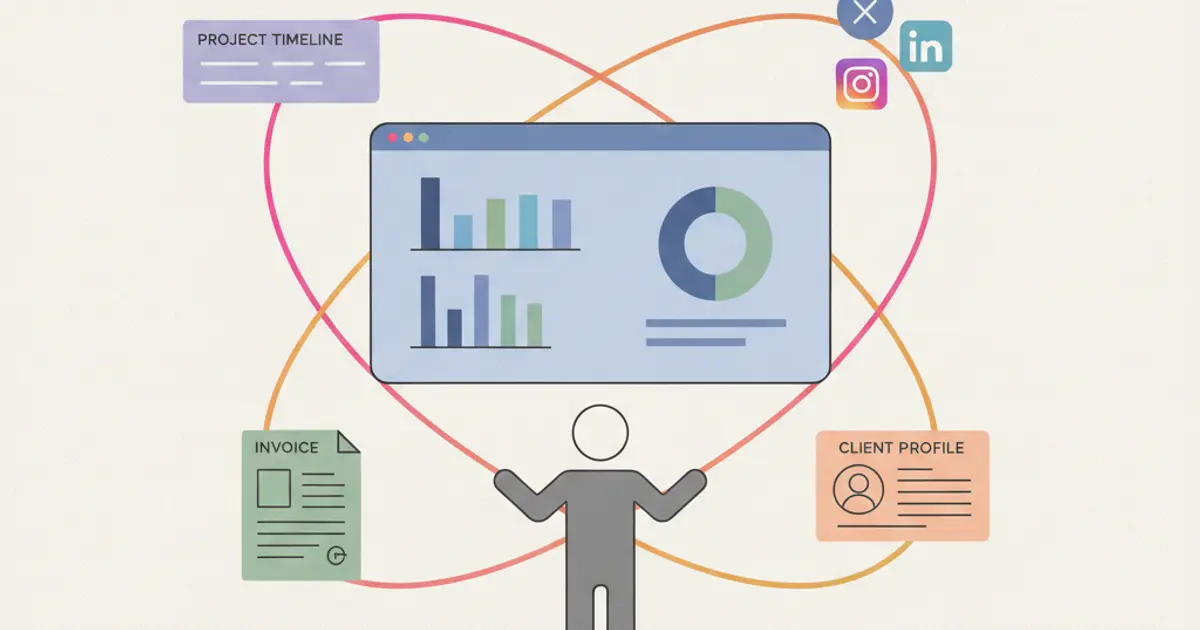
Client Management for Digital Agencies: The Full Guide
How digital and advertising agencies manage clients in one place: pipeline, projects, billing and a step by step setup you can complete in a week.
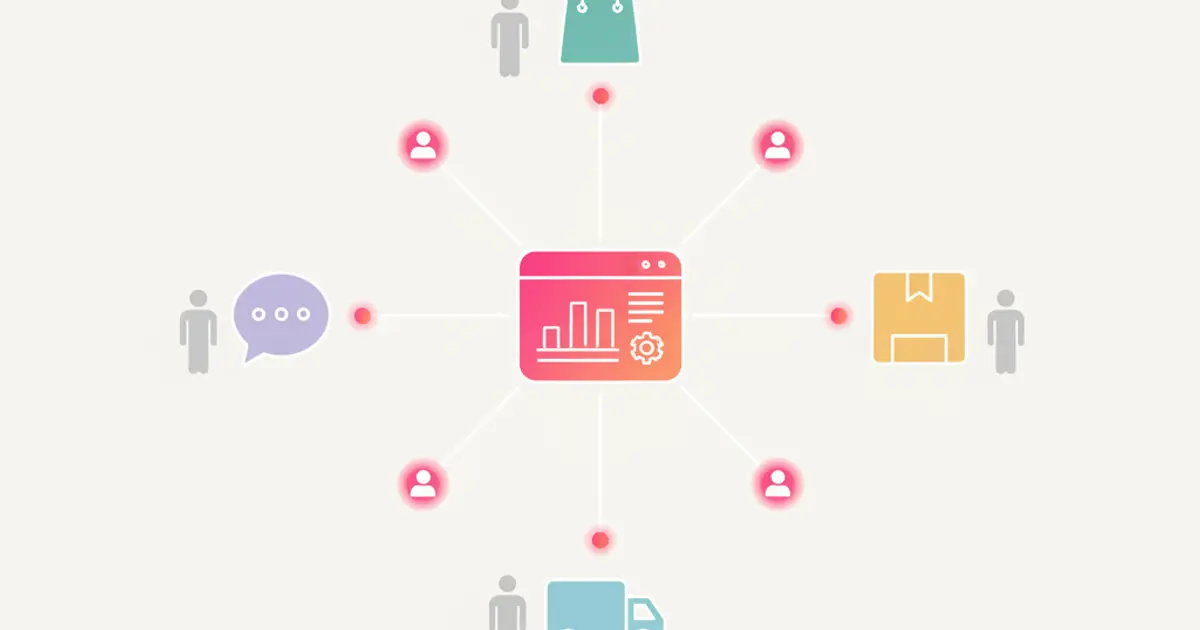
CRM for E-commerce: Orders, Warehouse and Customer Service Integrated
How an e-commerce CRM unifies order management, warehouse tracking and customer support to boost online sales and reduce operational chaos.
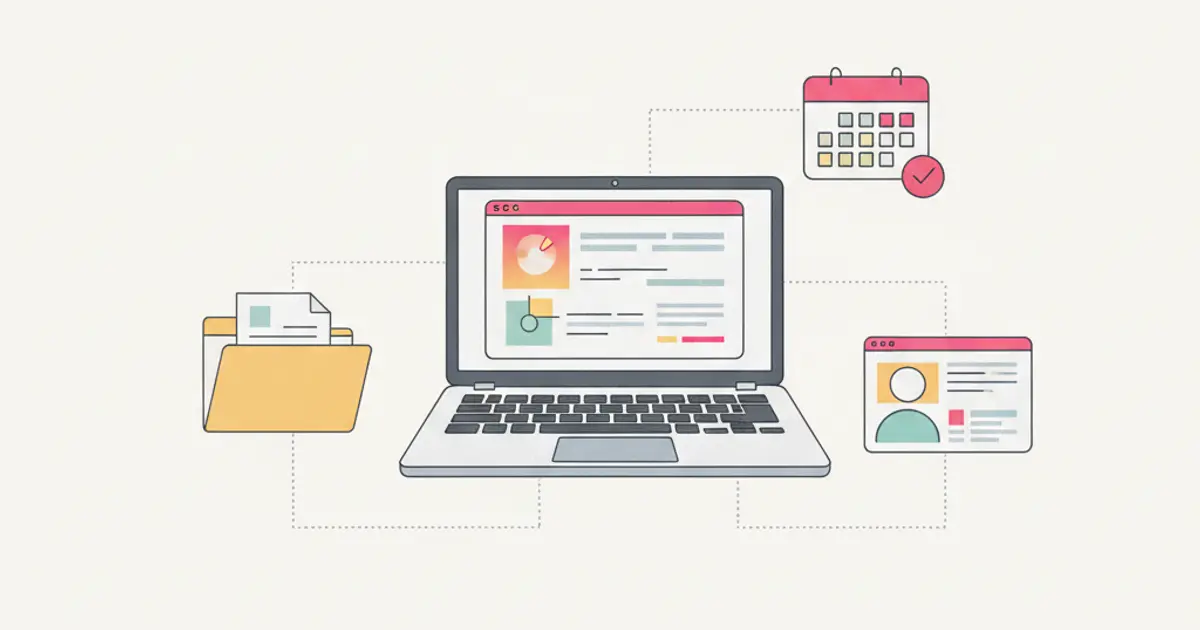
CRM for Professional Firms: Clients, Documents and Deadlines Under Control
How professional firms use CRM to manage clients, track documents, automate deadlines and streamline billing in one unified platform.