How to Get a Quote Signed Online
How to get a quote accepted and signed online: signature links, the client portal, signed PDFs sent back, and what to do when a committee decides.

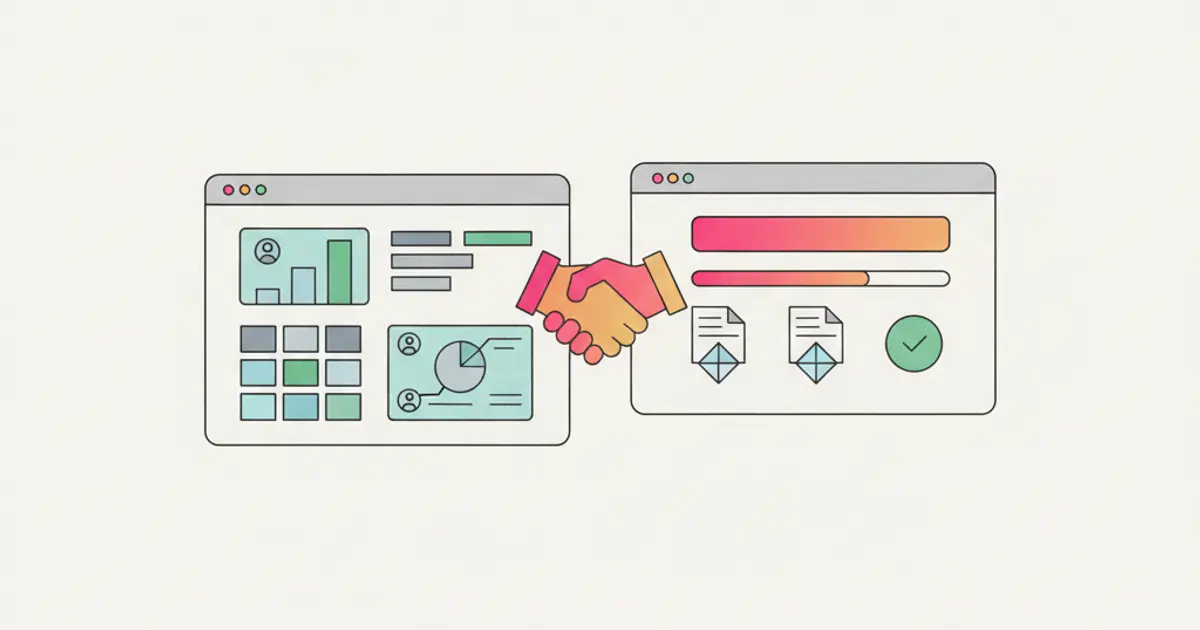
Getting a quote signed online means sending the client a link to the document and collecting their acceptance inside that link, instead of waiting for a printed page signed by hand and scanned back. There are three routes: one click acceptance from the quote link, signing from the client's own portal, or a signed PDF sent back when the company on the other side has an internal procedure that requires it. In all three cases what matters is the trail: who accepted, from which address, on what date, and against which version of the document.
If every accepted offer today costs you days of waiting for a crooked scan to land in your inbox, by the end of this guide you will have a flow where the client accepts from their phone in a minute and you see the outcome without having to ask.
What you need before you start
- A final quote, with a number, a date, a validity period and written terms. A signature link does not fix an ambiguous document: if the scope is unclear, the signature arrives late or not at all. If the document still needs building, start from the guide on how to write a professional quote.
- The email address of the person who decides, not the generic mailbox. A link sent to info@esempio.it lands in an inbox nobody treats as their own, and nobody signs on behalf of an inbox.
- Their phone number, if you plan to send the link over WhatsApp. Signing from a phone works precisely because the document opens where the client is already reading.
- A single place where the offer lives with its status: draft, sent, accepted, lost, expired. Without that you cannot tell who signed from who is still deciding, and the method for keeping this tidy is covered in the guide on managing quotes without spreadsheets.
- An answer to the question "what happens next": who opens the project, when the invoice goes out, who tells the client. A signature collected and then left sitting for three days is worth very little.
How to get a quote signed online, step by step
1. Finalise the document before you generate the link. Amounts, line items, exclusions, validity and payment terms have to be the final ones. A link generated on a draft and then replaced by a second link is the fastest way to get the wrong version signed. At this point you have a document you can send without writing "ignore yesterday's one".
2. Check the recipient and their authority. Make sure the address is personal and that this person can commit the company for that amount. If you do not know, ask before sending: it costs one line of a message and saves you two weeks of waiting on a signature that could never have arrived.
3. Generate the signature link from the deal record. In the quoting module the quote is created from the client record and the link comes from there: the document stays attached to the deal instead of becoming a loose file in a folder. You will see the quote move to sent with its date, and that is the date you start counting days from.
4. Send the link on the channel the client already replies on. Email if you have worked by email, WhatsApp if that is where you write to each other. The right channel is not the most formal one: it is the one where the message gets read the same day.
5. Write three lines of context, not a letter. What the proposal covers in one sentence, how long it stands, and the exact action to take: "here is the proposal, it is valid until 12 September, to accept it just use the button at the bottom of the page". The line that says what to press is the one that changes the response time.
6. Set the follow up reminders at the moment you send the link. The first after two or three working days, the others about a week apart, all of them before the expiry written on the document. A link that is sent and then forgotten does not sign itself, and the schedule for those contacts is in the guide on how to follow up a quote.
7. Let the next steps start when the outcome arrives. Acceptance is an event: the project, the message to the client and the invoicing cycle all follow from it. In Flusia a signed offer can trigger an automation, and the amount moves into invoicing through the Fatture in Cloud integration. By the end of this step the deal status reads won and nobody has retyped anything.
Route 1: one click acceptance from the quote link
This is the shortest path and the one to try first. The client gets the link, opens the quote in the browser on their phone or laptop, reads it the way they would read a PDF, and finds the accept button at the bottom of the page. Nothing to download, nothing to print, no account to create.
The practical benefit is not elegance: it is that the acceptance comes back immediately with data attached, namely the date, the time and the address the link was sent to. That is what makes the acceptance reconstructable months later, when nobody remembers who said what.
The limit: if the quote depends on technical attachments that have to be read separately, the client leaves the link to open the files and often does not come back. In that case route 2 works better.
Route 2: signing from the client portal
When the client is not new, or when the quote is one of many documents you exchange, the natural place to sign is their own portal: they log in with their credentials, find the offer next to the documents, the ongoing projects and the invoices, and accept from inside their space.
This route costs one extra step the first time, because the access has to be created, and saves several afterwards: attachments sit in the same place as the quote, and more than one contact at the same company can see the document without you forwarding the link by hand. How to organise that space and decide what to make visible is the subject of the guide on the client portal.
Alternative method: the client signs the PDF and sends it back
Some companies have an internal procedure that requires a document signed by the legal representative and filed with a protocol number. This is not a battle worth fighting: you accept their procedure and keep your own flow tidy anyway.
The client downloads the PDF from the link, signs it with their own tool or by hand, and uploads it back. The part not to lose is that the signed file returns attached to the same offer, under the same number, instead of living as an attachment inside a mailbox. If the signed PDF only exists in your email, in six months you will search by client name and find three different versions.
| Route | When it fits | What comes back to you |
|---|---|---|
| One click link | short offer, new client, quick decision | acceptance with date, time and recipient |
| Client portal | recurring client, many attachments, several contacts | acceptance inside the client's own space |
| Signed PDF returned | the client's internal procedure, larger amounts | signed document attached to the offer |
When a committee decides instead of one person
Above a certain amount, or inside structured companies, the signature is not a gesture but the end of an internal round: the person you talk to collects agreement from a technical lead, from finance and sometimes from an owner. A quote sent to one person alone stops at the first of those steps, and you do not find out.
Three things that work. Ask explicitly who else needs to see the proposal and send it to them too, naming them in the message. Separate the technical part from the commercial part in the document, because the two people reading them are not the same person. Give everyone one shareable link instead of forwarding attachments, so that everybody looks at the same version and, when the signature arrives, you know which document it arrived on.
If that round takes weeks, the deal needs a status that says so, otherwise it drops off the radar. That is why it pays to keep sent and in approval as distinct stages, which is covered in the sales pipeline guide.
What an electronic signature on a quote is worth
In general terms, an offer accepted in writing can be binding between the parties, and an electronic signature is one of the ways that acceptance is expressed. There are different levels of electronic signature, with different technical requirements and different consequences if the acceptance is ever disputed, and the right level depends on the amount, the type of contract and the sector.
What you can do in any case, and what matters regardless of the level, is keep the elements that make the acceptance reconstructable: the exact version of the document that was accepted, the date and time, the address the link was sent to, and the exchange of messages around it. That is why keeping everything attached to the same deal is worth more than any formality added afterwards.
Common mistakes
Sending the link and never looking again. The link is not a job handed to somebody else: if nobody watches the statuses, an offer that was sent and never accepted sits there until it expires. The three contact routine exists exactly for this.
Regenerating the link for every small change without saying so. The client ends up with two or three messages carrying similar documents, cannot tell which one counts, and signs none of them. If the document changes, send a new version with a new number and state that the previous one is no longer valid.
Treating the signed PDF as just another attachment. The file that comes back from the client belongs on the offer, not in your mail. Six months later, searching by client name in a mailbox with thousands of messages is the most expensive way to find a document.
How long it takes and what comes next
Setting the flow up the first time usually takes about half an hour: you decide who generates the link, how the covering message is written and what has to happen on acceptance. From then on sending a signable quote costs a couple of minutes, and the time moves to where it belongs, which is the content of the proposal.
The natural next step is what happens after the signature: creating the project and the invoice from the same document without retyping amounts, which is the point covered in the guide on the Fatture in Cloud integration, and keeping outcomes current in the CRM so you can tell how many offers close and how many sit still.
These are general organisational notes, not legal advice: for the evidential weight of a signature in your sector and for the kind of contracts you have signed, check with your own advisor.
Frequently asked questions
Does a quote signed online carry the same weight as one signed by hand? An acceptance in writing can bind the parties regardless of the medium, but electronic signatures are not all the same: the technical requirements differ and so does how easy they are to defend if challenged. For significant amounts or contracts with unusual clauses, choose the form with your advisor before adopting it as your standard.
Does the client need an account to sign? Not with the signature link: they open the document, read it and accept from the button. An account is only needed on the client portal route, which makes sense when the relationship is ongoing and there are other documents to keep together.
What do I do if the client never replies to the link? You treat it like any stalled offer: a first nudge after two or three working days to check the scope is clear, then a second contact carrying new information. If the silence continues, change channel once and then move the deal to a postponed status with a date to pick it up again, instead of leaving it open indefinitely.
What if the client wants to change a line item before signing? Issue a new numbered version and state that it replaces the previous one. Editing the document while the old link is still circulating is the most frequent cause of signatures collected on the wrong version, and that confusion costs more than the change itself.
Share this article
Written by
Luca Bosso
Founder of Flusia
Related articles

Quoting Software: How to Choose the Right One
What quoting software has to do: reusable templates, one price list, statuses and expiry dates, plus how to move across from documents without stopping work.
How to Follow Up on a Quote and Get an Answer
How to follow up on a quote without nagging: when to write, what each of the three contacts should say, how to close a stalled proposal and what to record.
How to Write a Professional Quote
How to write a quote a client actually understands and accepts: required details, how to structure line items, validity, payment terms and follow up.